




WhatsApp Username Change: How to Switch From Number to Username
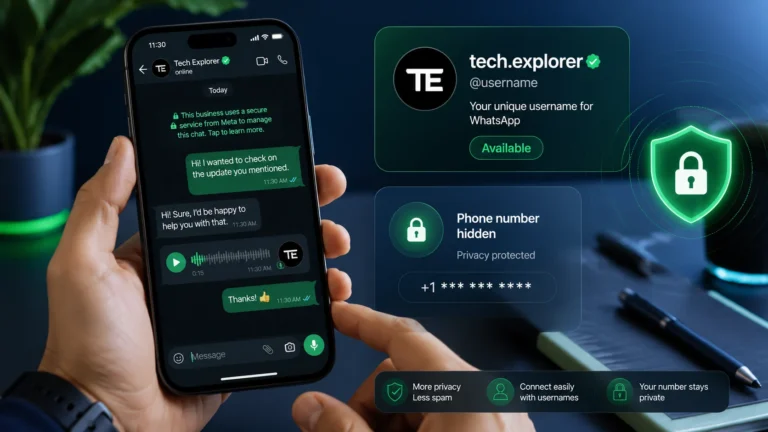
WhatsApp username change is one of the most searched privacy topics right now, because many users want a cleaner way to connect without exposing their phone number. The short answer is this : WhatsApp is introducing usernames as a privacy feature, and eligible users can reserve one now, but the rollout is gradual and not everyone has access yet.
WhatsApp is rolling out usernames so people can connect without sharing phone numbers. This guide explains what the feature is, whether you can replace your number with a username, how to reserve one, what rules apply, and what privacy benefits it offers. For more useful insights and updates, visit StartupMandi Global.
What Is WhatsApp Username Change?
WhatsApp username change refers to the shift from being identified mainly by your phone number to using a unique username as an additional identity layer. WhatsApp’s official FAQ says that with a username, your phone number will not be visible when you message or call people who do not already have your number saved.
This matters because privacy has become a major reason people search for WhatsApp account settings help. Reuters and AP both reported that WhatsApp’s username rollout is meant to close a privacy blind spot and reduce unnecessary sharing of phone numbers.
“The company said it has started allowing users to reserve unique usernames, which can be used to contact WhatsApp users when the feature is launched later this year.”
How Does WhatsApp Username Work?
WhatsApp usernames are designed to let people contact you without seeing your phone number first. That means the username acts as a public-facing handle, while your number stays hidden in supported cases.
According to WhatsApp’s help page and recent reporting, the feature is optional, does not include a searchable public directory, and may use an additional username key for extra protection. In other words, this is not turning WhatsApp into a social network; it is giving users more control over first-contact privacy.
| Feature | What it means | Why it matters |
|---|---|---|
| Username | A unique identifier for your account | Lets others contact you without a phone number |
| Phone number visibility | Hidden in supported first-time interactions | Improves privacy |
| Username key | Optional extra code for first contact | Adds another layer of protection |
| Public directory | Not available | Reduces spam and random discovery |
Can You Replace Your Number?
The most important question is whether you can fully replace your mobile number with a username. Based on current reporting, WhatsApp is moving toward username-based contact, but the feature is still rolling out gradually, so many users will not see it yet.
So the practical answer is this : you may be able to use a username instead of revealing your number in some situations, but you still need a WhatsApp account tied to a phone number to use the app. This is a privacy upgrade, not a complete removal of phone-number-based accounts.
How Do You Setup WhatsApp Username?
If your account already has access, the setup process is usually straightforward. Eligible users can typically find the username option in WhatsApp settings under Account or Profile, and from there they can reserve, create, or edit their username in just a few steps. Once the feature appears on your account, it is best to choose a name that is clear, unique, and easy to remember.
In addition, it helps to update the app first so you are seeing the latest version of the settings menu. Since rollout is happening gradually, the option may appear differently depending on your device, app version, or region. For that reason, checking the settings again after an update can save time and help you complete the setup smoothly.
How To Section
Times Needed : 0 Days, 0 Hours, 12 Minutes
Estimated Cost : USD 0
Description : Reserve and set up a WhatsApp username if the feature is available on your account.
Steps :
- Update WhatsApp first
Install the latest version from the App Store or Google Play so the username option can appear. - Open account settings
Go to WhatsApp settings, then tap Account or your profile section depending on your device. - Select Username
If available, tap the Username option to reserve or edit your handle. - Choose an available name
Enter a unique username that follows WhatsApp’s rules and save it once accepted.
Tools Name :
- Whatsapp App
- Phone
- Internet Connection
Materials Name :
- Updated Account
- Desired Username
- Profile Access
“Starting this week, you can reserve a username to use later this year when we launch this feature.”
What Rules Apply To Username Change?
WhatsApp has set naming rules to keep usernames safe and consistent. Multiple reports say usernames must include at least one letter, use only allowed characters, and be between 3 and 35 characters long.
That means simple number-only handles will not work. It also means usernames cannot be structured in ways that look like official web addresses, which helps reduce impersonation risk.
| Rule | Requirement |
|---|---|
| Length | 3 to 35 characters |
| Characters | Lowercase letters, numbers, periods, underscores |
| Letter requirement | Must include at least one letter |
| Web-style names | Cannot start with “www.” or end like a domain |
Because rollout is staggered, the feature may appear for one user and not another on the same day. That is why updating the app and checking settings again later is often the best move.
Why Does Privacy Matter?
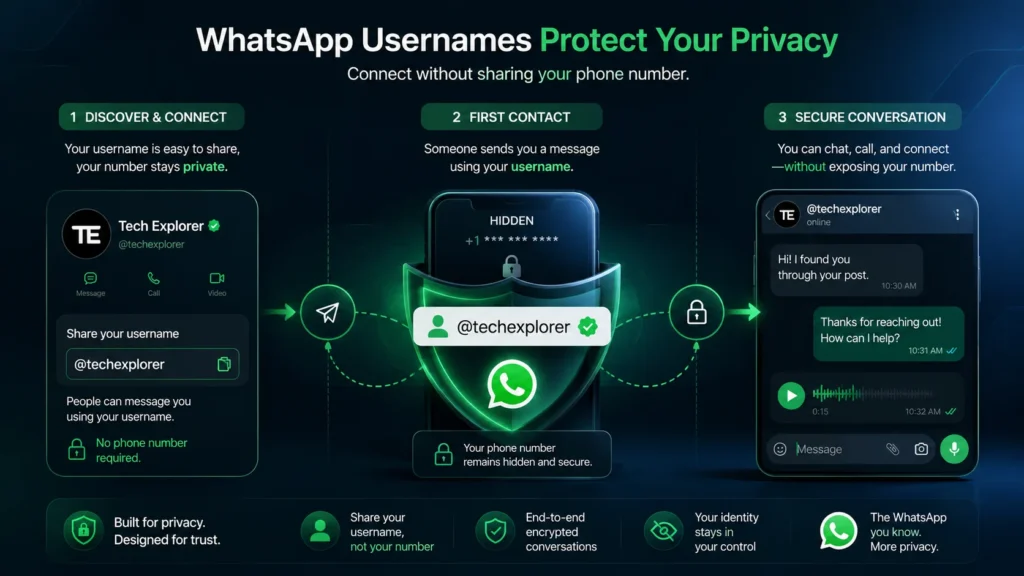
Privacy is the biggest reason the username feature is attracting so much attention. Reports from AP and Reuters, along with WhatsApp’s own FAQ, point to the same core concern: many people do not want to share their phone number every time they start a new conversation.
This matters even more in groups, marketplaces, communities, and creator chats, where first-time interactions happen all the time. Once usernames are active, WhatsApp says your number will not be visible in certain first-contact situations, which makes the experience more private and more comfortable for everyday users.
What Should Users Expect From The Username Change?
Users should expect a phased rollout rather than an immediate global switch. WhatsApp and several outlets indicate that the feature is being released in stages, so only some accounts can currently reserve usernames or access the menu.
Because of that, the best approach is to keep your app updated and check back periodically. If the feature does appear on your account, reserving your preferred username early can help you secure a name before someone else takes it, especially if you want a clean or brand-friendly handle.
Key Takeaways
- WhatsApp username change is primarily a privacy feature, not a full account replacement.
- You can reserve a username only if the feature is available on your account.
- WhatsApp will still rely on phone numbers behind the scenes for account access.
- Usernames help hide your number in supported first-contact situations.
- Username rules are strict to reduce spam and impersonation.
Next Steps
- Update WhatsApp to the latest version.
- Check Settings or Account for the Username option.
- Reserve a preferred username if the feature appears.
- Review WhatsApp privacy settings to control who can contact you.
- Watch for the wider rollout in your region.
FAQ
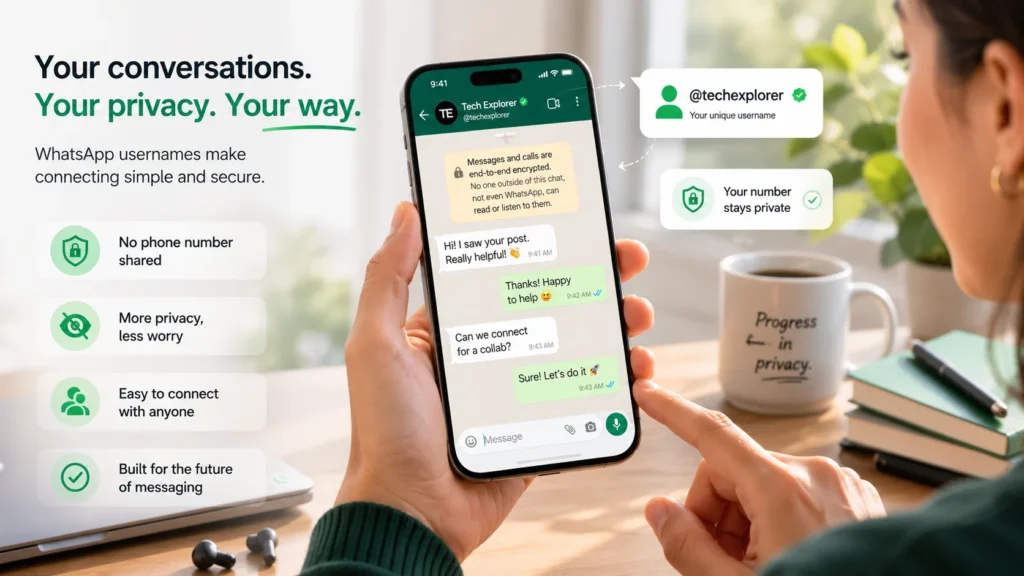
It is WhatsApp’s move toward allowing users to connect with usernames instead of exposing phone numbers in certain situations.
No, WhatsApp still uses your phone number for account setup, but usernames can hide it in supported interactions.
Open WhatsApp settings and look for a Username option under Account or Profile.
The feature is rolling out gradually, so not every account has access at the same time.
Yes, reports say you can edit or delete it after reserving it.
No, WhatsApp says there is no public username directory or open suggestion system.
No, WhatsApp says the number stays hidden in supported first-time interactions when the username feature is active.
Yes, it can help businesses and creators interact more privately with new contacts.
Conclusion
WhatsApp username change is one of the most significant privacy updates users have been waiting for, since it offers a new way to connect without immediately revealing a phone number. If the option is available on your account, it is a good idea to reserve your username early and review your privacy settings carefully so you can make the most of the feature.
For additional context on this rollout, you can also explore related tech coverage and privacy updates as the feature expands. In addition, StartupMandi Global can be a helpful source for broader digital insights and practical market updates.
Resources
- WhatsApp Help Center: About Usernames — Official feature overview.
- AP Coverage on Username Rollout — Rollout and privacy context.
- Reuters Report on Privacy Concerns — For newsroom-style reporting context.
- The Hindu Explainer — Practical overview and reservation details.
- BleepingComputer Coverage — Technical privacy explanation.