Wix online tools let you build professional websites, online stores, booking systems, and marketing funnels through a visual drag-and-drop interface—no coding required. The platform handles hosting, security, and basic performance optimization while offering 800+ templates and a massive app marketplace.
New users often wonder: Can Wix really replace developers? The answer is yes for 80-90% of small business websites, but no for complex web applications or highly customized enterprise solutions. This guide clarifies exactly what Wix online excels at—and where it naturally has limits.
What Are Wix Online Tools Exactly?
Wix online refers to Wix’s complete SaaS platform for creating, managing, and growing websites. It’s not just a website builder—it’s an ecosystem including:
- Drag-and-drop website editor with responsive design and 800+ industry-specific templates
- Wix App Market with 250+ native apps and 400+ third-party integrations
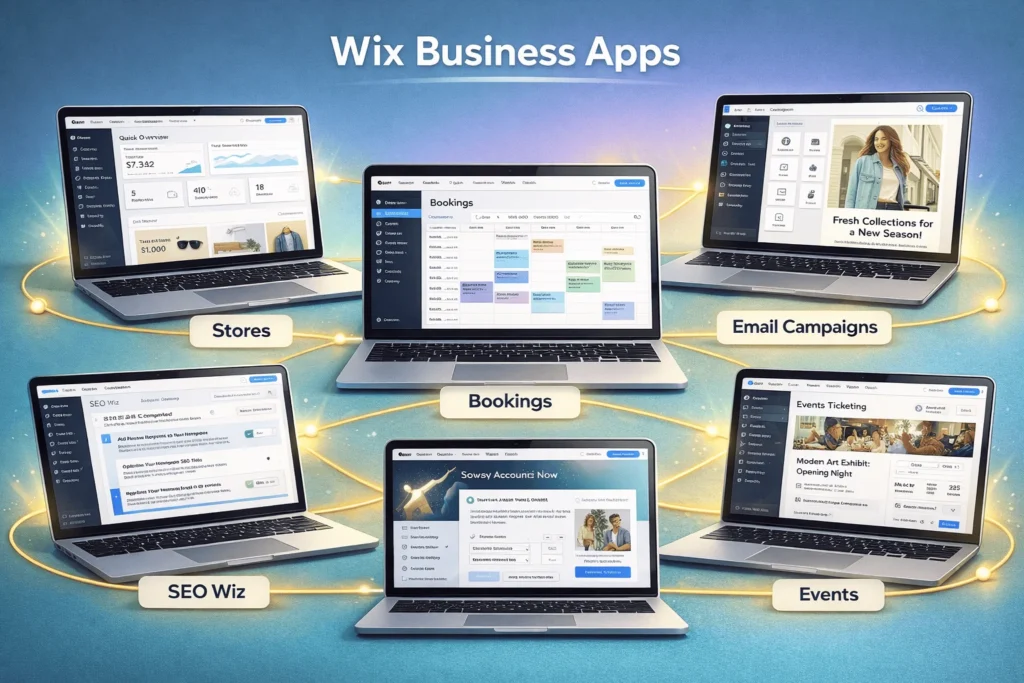
- Business tools like Wix Stores, Wix Bookings, Wix Events, and Wix Restaurants
- Marketing suite including email campaigns, SEO tools, social media integration
- Velo development platform for custom code and advanced functionality
The platform powers 260+ million websites worldwide, making it one of the largest website creation ecosystems. For context, check StartupMandi’s complete beginner’s guide to website builders to understand where Wix fits in the broader landscape.
What Website Types Can You Build With Wix Online?
Wix online shines for 80% of common business websites. Here’s what works exceptionally well:
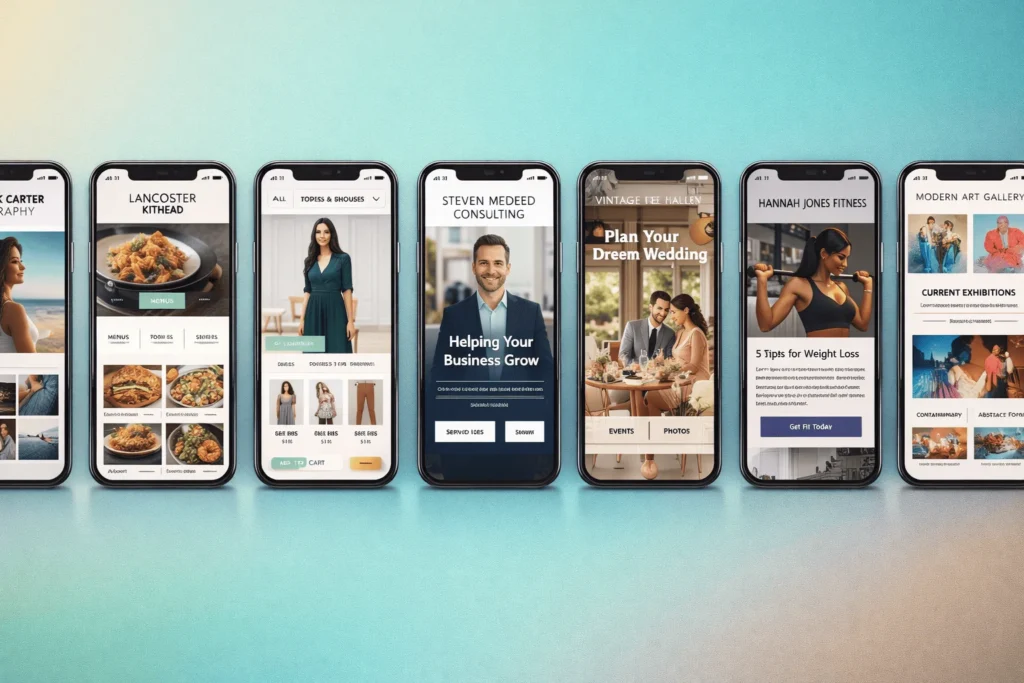
- Portfolio & creative sites – Photographers, artists, designers (amazing templates)
- Small business websites – Local services, restaurants, consultants
- Blogs & content sites – Personal blogs, niche publications, thought leadership
- Online stores – Up to ~50K products with shipping, payments, inventory
- Booking & service sites – Salons, coaches, hotels, appointment scheduling
- Event sites – Conferences, weddings, workshops with ticketing
- Membership sites – Courses, communities, subscription content
Wix excels when you need professional results quickly without hiring developers. The visual editor produces mobile-responsive, SEO-friendly sites that load reasonably fast (typically 2-4 seconds with optimization).
“Wix removes 90% of technical barriers between idea and live website.” — Wix Platform Overview
What Business Features Work Best on Wix Online?
Beyond websites, Wix online bundles serious business tools that integrate seamlessly:
| Feature | What You Get | Monthly Add-on Cost |
|---|---|---|
| Wix Stores | Unlimited products, abandoned cart recovery, 100+ payment gateways | $27+ |
| Wix Bookings | Calendar sync, payments, reminders, client management | $29+ |
| Wix Events | Ticket sales, RSVPs, waitlists, Zoom integration | Included |
| Wix Restaurants | Online ordering, menus, delivery integrations | $25+ |
| Wix Email Marketing | Drag-and-drop campaigns, automation, segmentation | $24+ (500 contacts) |
These aren’t afterthoughts—they’re native apps built for Wix’s architecture, which means better performance than third-party plugins. Most small businesses can run their entire digital presence from one Wix account.
Can Wix Online Handle Ecommerce and Online Payments?
Yes, Wix online supports robust ecommerce for small-to-medium stores:
- Product Management: Unlimited products, variants, inventory tracking
- Payments: Stripe, PayPal, Square, Authorize.net + local gateways
- Shipping: Real-time rates from USPS, FedEx, DHL + custom rates
- Taxes: Automatic calculation by location (50+ countries)
- Advanced: Subscriptions, deposits, abandoned cart recovery
Limitations: Wix Stores works best for under 50K products. For massive catalogs or B2B wholesale, dedicated platforms like Shopify Plus perform better. Physical product stores with complex shipping typically see conversion rates of 2-4% (industry average).
Transitioning from basic sites to stores is seamless—many Wix users add ecommerce to existing sites without rebuilding.
What Marketing Tools Come With Wix Online?
Wix Ascend (now integrated into core Wix) provides marketing without separate tools:
- Email marketing – Beautiful templates, automation sequences, A/B testing
- SEO tools – Site-wide optimization, Google integration, structured data
- Social tools – Auto-posting, Instagram feeds, review widgets
- Analytics – Traffic sources, conversion tracking, heatmaps
- Lead capture – Popups, forms, landing pages, CRM integration
Key advantage: Everything syncs automatically. Email lists populate from site forms; abandoned carts trigger emails; SEO changes reflect instantly in analytics.
For context on broader website builder capabilities, StartupMandi’s beginner’s guide to website builders shows how Wix compares to alternatives.
What Development Options Exist in Wix Online?
Velo by Wix unlocks serious customization for users comfortable with code:
# Example: Custom product filter with Wix Velo
import wixData from 'wix-data';

$w.onReady(function () {
    $w("#dropdown1").onChange(() => {
        let filter = wixData.filter();
        filter = filter.eq("category", $w("#dropdown1").value);
        $w("#dataset1").setFilter(filter);
    });
});
Velo enables:
- Custom databases and dynamic pages
- API integrations (Stripe, Zapier, custom endpoints)
- Advanced user authentication and permissions
- Custom checkout flows and membership logic
- Headless frontend with Wix as CMS/backend
Reality check: Velo handles 80% of custom needs but lacks the full flexibility of React/Next.js for complex web applications.
What Are the Major Limitations of Wix Online?
Honest limitations help you set realistic expectations:
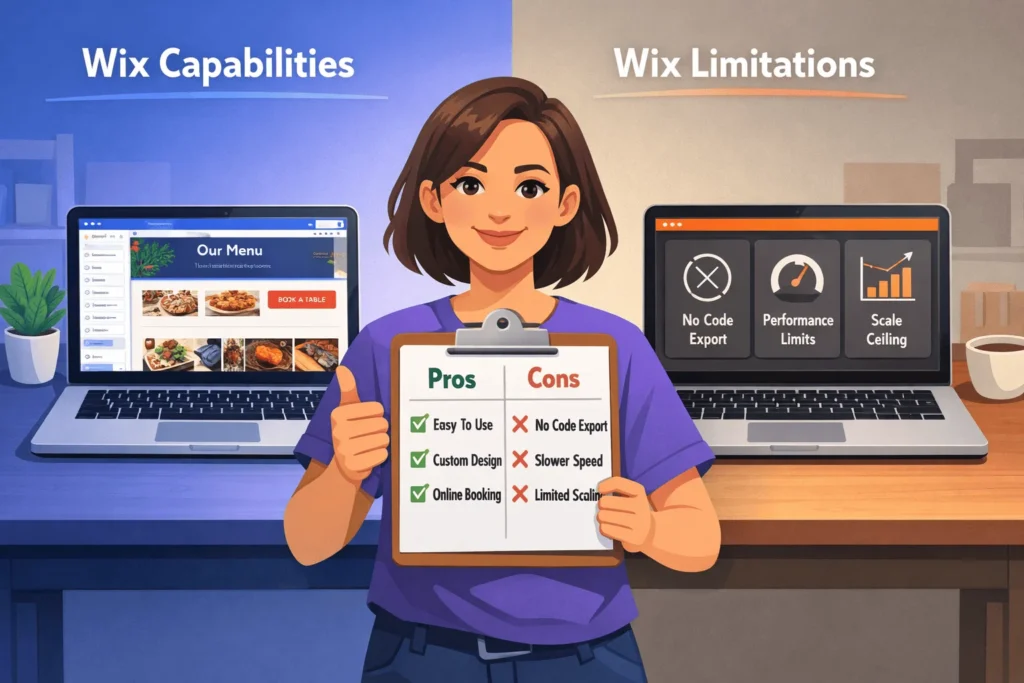
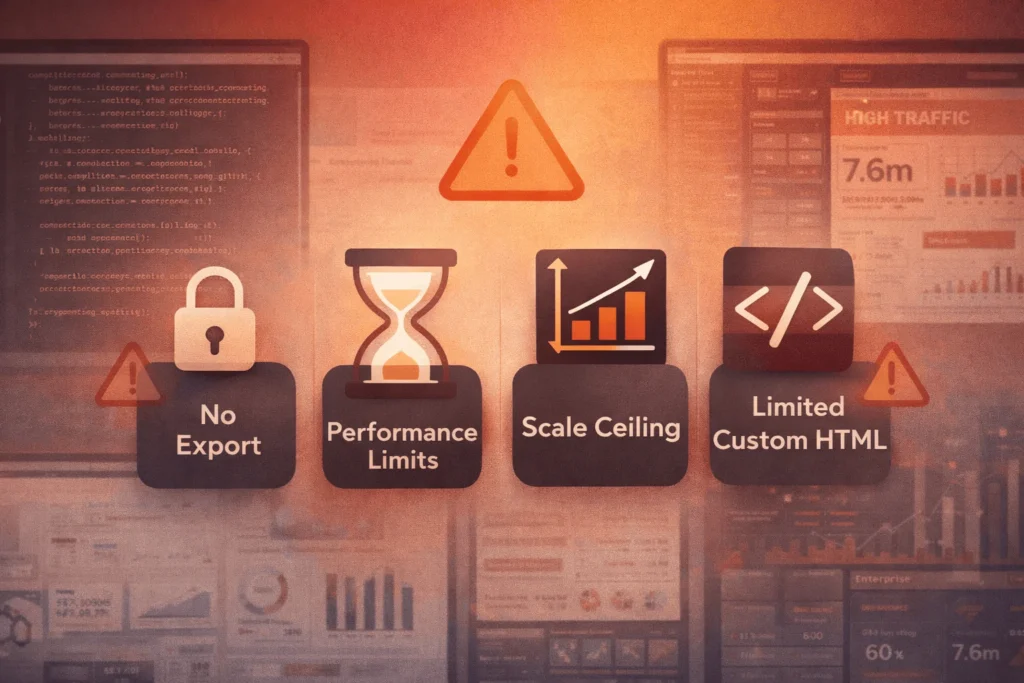
- No code export – Cannot download HTML/CSS/JS and host elsewhere
- Template switching difficult after significant content creation
- Performance ceiling – Complex sites may load 3-5+ seconds (Google prefers <2.5s)
- Ecommerce scaling limits – Best under 50K products, 10K orders/month
- Advanced SEO constraints – Cannot edit raw HTML head or server-side rendering
| Need | Wix Handles Well | Wix Struggles |
|---|---|---|
| Site Speed | Simple sites (1-3s) | Heavy animations/apps |
| SEO | Basic-mid (titles, schema) | Technical (SSR, custom markup) |
| Scale | 10K visitors/month | 100K+ high traffic |
| Custom | Velo (80% needs) | Full web apps |
These boundaries mean Wix online serves startups-to-mid-size businesses best, not enterprise applications.
How To Get Started With Wix Online Tools Effectively
Times Needed: 1 Day
Estimated Cost: 0-27 USD (free trial + first month)
Description: A focused 4-hour onboarding process that gets new Wix users from signup to a functional 3-page website with contact form and basic SEO.
Steps
- Choose Template by Goal, Not Design
Step Title: Pick Industry Template First
Step Description: Browse templates by your specific goal (restaurant, portfolio, store) rather than prettiest design. Replace demo content immediately—don’t get attached to placeholder layouts. - Build Core 3-Page Structure
Step Title: Create Home/Services/Contact Pages
Step Description: Use template pages as starting point. Customize hero sections, add your services/products, create a clear contact form. Keep navigation simple (3-5 items maximum). - Configure Business Essentials
Step Title: Add Forms, Maps, Bookings if Needed
Step Description: Install Wix forms, Google Maps, or Bookings app based on your needs. Connect your Google Workspace or business email. Test all forms work correctly. - Set Up Basic SEO and Analytics
Step Title: Configure Titles, Meta, Google Tools
Step Description: Write unique title/meta descriptions for each page. Connect Google Search Console and Analytics. Add business schema through Wix SEO Wiz. - Mobile Check and Publish
Step Title: Preview Mobile, Hit Publish
Step Description: Switch to mobile view, fix overlapping elements/buttons. Connect custom domain. Publish and test across devices before sharing publicly.
Tools Name: Wix Editor, Wix App Market, Google Workspace, custom domain registrar
Materials Name: Business logo, 5-10 product/service photos, core copy, Google Analytics ID
FAQ
No—Wix online excels at marketing sites, small ecommerce, portfolios, and service businesses. Complex web applications, high-traffic news sites, or enterprise systems need custom development.
Yes—Wix powers professional sites for 260M+ users worldwide. Clean templates, strong business apps, and decent performance make it suitable for consultants, agencies, and local businesses.
For 80-90% of small business needs, yes. Velo handles custom logic, APIs, databases. Only highly complex apps or performance-critical systems need dedicated developers.
Simple sites load 1-3 seconds; complex sites 3-5+ seconds. Google recommends under 2.5s. Optimize images and limit animations for best Core Web Vitals scores.
Yes—Velo provides full-stack JavaScript, 400+ app integrations, Zapier, custom APIs. You can build sophisticated functionality within platform constraints.
Yes for small-medium stores (under 50K products). Features match Shopify for most needs: payments, shipping, inventory, abandoned cart recovery. Larger operations need dedicated platforms.
Yes for basic-mid competition. Built-in SEO tools, clean URLs, mobile-responsive templates, Google integration. Highly competitive keywords need custom technical SEO beyond Wix capabilities.
Content yes, design no. Export pages as HTML, download images/copy/databases. Layouts rebuild manually. Plan long-term platform fit before heavy investment.
Key Takeaways
- Wix online builds 80-90% of small business websites effectively—websites, stores, bookings, portfolios, events.
- Native business apps (Stores, Bookings, Email) integrate better than third-party plugins, saving setup time.
- Velo enables serious customization—APIs, databases, authentication—for most advanced needs.
- Performance limitation: Complex sites load 3-5s; optimize carefully for Core Web Vitals.
- No code export creates lock-in risk—choose Wix online expecting 2-5+ year commitment.
Next Steps To Follow
- Identify your primary goal—website type determines 80% of feature needs.
- Start with free plan to test core editor and templates (no credit card needed).
- Build 3-page prototype following the How To guide above.
- Add 1-2 business apps relevant to your industry (Bookings, Stores, Forms).
- Upgrade after validating fit—most users commit after seeing results.
Conclusion
Wix online delivers professional-grade websites and business tools to users who value speed over ultimate flexibility. The platform eliminates 90% of technical complexity while providing real business functionality—ecommerce, bookings, marketing, custom code.
Common misconception: Wix online = “cheap-looking templates.” Reality: Sophisticated templates, Velo development, and 260M+ users prove enterprise capability for appropriate use cases.
Understand the boundaries—no code export, performance ceilings, ecommerce scale limits—and Wix online becomes a smart foundation for most small business digital presence. For deeper context on website builders generally, read StartupMandi’s beginner’s guide to website builders.