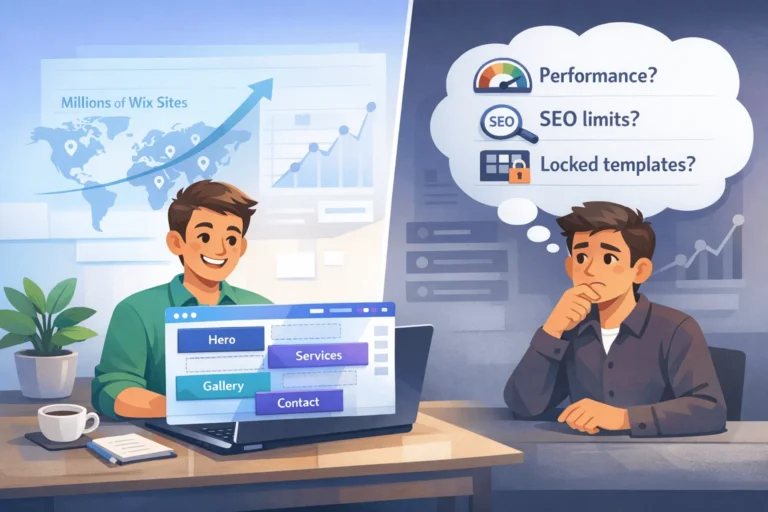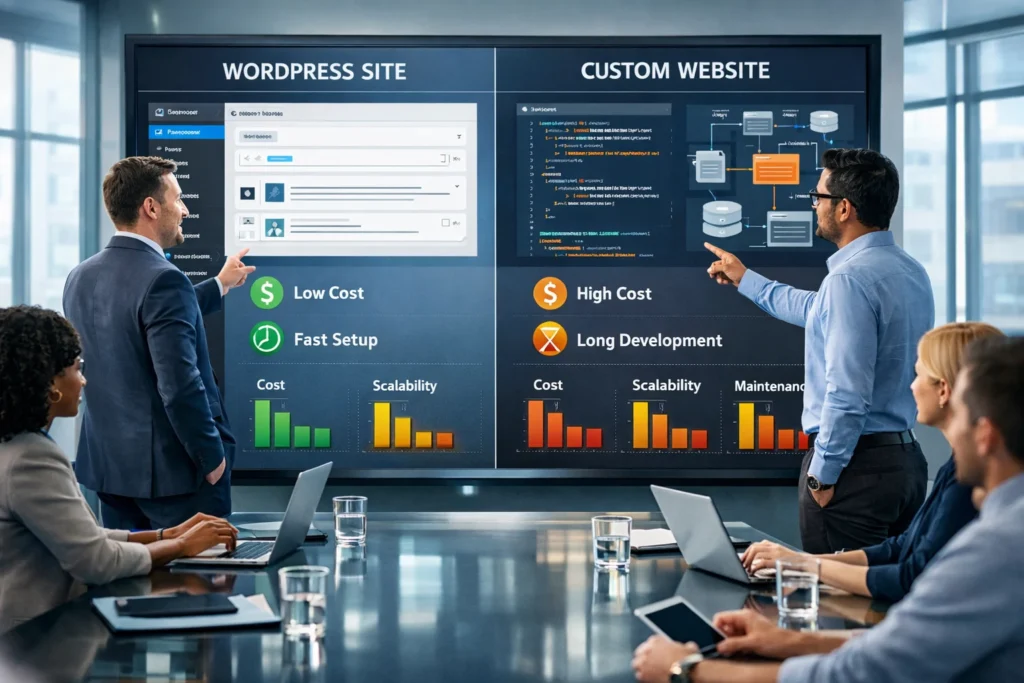
A WordPress website is usually faster to launch and cheaper upfront, while a custom website offers deeper control, unique architecture, and long-term flexibility for complex products. For most growing SMBs, WordPress covers 80–90% of needs; Start Designing your WordPress Website from today with 1 Year Domain & Hosting Plan for Free. Fully custom builds, which make sense when performance, integrations, or security constraints go beyond what plugins and themes can handle.
What Is a WordPress Website vs a Custom Website?
A WordPress website is built on the open‑source WordPress CMS, using themes, plugins, and a PHP/MySQL stack, often with visual builders. A custom website is developed from scratch (or with a lightweight framework) where layout, backend logic, and data model are coded specifically for your business requirements.
WordPress now powers around 43–44% of all websites and over 60% of CMS‑based sites, which makes it the de‑facto standard for content‑driven businesses. Custom builds, by contrast, are used mainly where performance, security, or unique workflows demand tailored engineering rather than configuration.
How Do Costs Compare Between WordPress and Custom Builds?
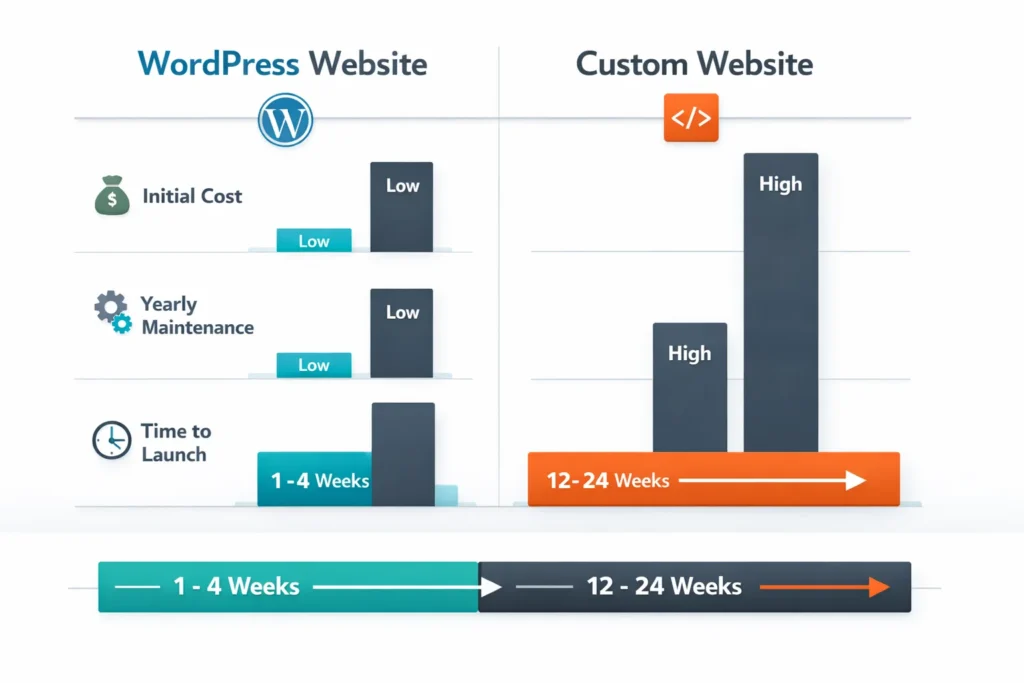
Direct answer: A typical WordPress website often costs $500–$10,000 to launch, while a custom website ranges roughly from $5,000 to $100,000+, depending on complexity.
- Initial Build Costs
- Ongoing Maintenance
- Custom websites often require $500–$2,000/year for maintenance, updates, and infrastructure adjustments.
- WordPress maintenance tends to sit around $100–$500/year, covering hosting, premium themes, and essential plugins.
- Both approaches still require backups, security monitoring, and occasional refactoring as your tech stack evolves.
- Time to Launch
Cost & Timeline Comparison Table
“Money talks, and understanding what drives your web budget—build time, maintenance, and future change requests—is more important than debating tech stacks in isolation.” — Elegant Themes 2025
Why Is WordPress So Popular for Business Websites?
The direct reason is market adoption: WordPress powers about 43–44% of all websites globally and more than 60% of CMS‑based sites in 2025. That scale brings mature hosting options, a massive plugin ecosystem, and a large talent pool at different price points.
- Market Share & Ecosystem
- WordPress powers over 35 million sites and a quarter of all e‑commerce stores via WooCommerce.
- Around 26% of the top 1M sites run on WordPress, including high‑traffic publishers and enterprise properties.
- More than 500 new WordPress sites launch daily, keeping the ecosystem vibrant and regularly updated.
- Functionality Out of the Box
- Cost‑Effective Growth
How Do Security and Maintenance Compare?
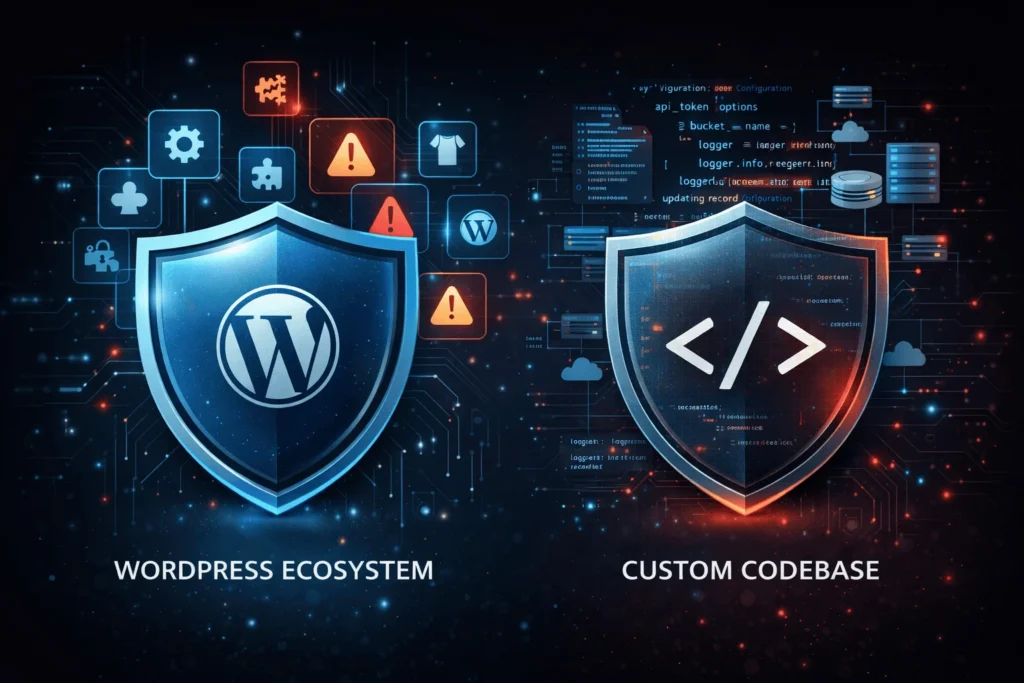
Direct answer: WordPress is structurally secure at its core, but ecosystem vulnerabilities (plugins/themes) demand disciplined maintenance; custom sites centralize risk in your own codebase and processes.
- WordPress Security Profile
- A 2024 whitepaper recorded 7,966 new WordPress ecosystem vulnerabilities, about 22 per day.
- Roughly 96% of those issues were in plugins, 4% in themes, and only seven non‑critical issues in WordPress core.
- Around 80% of site owners use auto‑updates and 60% use two‑factor authentication, which significantly reduces risk.
- Custom Website Security
- Attack surface shifts from third‑party plugins to your own code, frameworks, and infrastructure configuration.
- Security quality depends heavily on your team’s engineering discipline, code review culture, and patch strategy.
- You avoid plugin‑level zero‑days but must budget for audits, penetration tests, and secure deployment pipelines.
- Maintenance Realities
Security & Maintenance Snapshot
Transparency note: This article is informational only and does not include affiliate links or paid promotions. All tools and platforms mentioned are for neutral comparison.
How Do Performance and Scalability Differ?
Direct answer: A well‑tuned WordPress website scales surprisingly far with quality hosting, caching, and CDNs, but extreme performance or highly specialized workflows still favor custom architectures.
- WordPress Performance Profile
- WordPress runs on a classic PHP/MySQL stack; baseline speed is heavily shaped by hosting quality and caching.
- Recent releases (e.g., WordPress 6.7) improved performance via faster block loading, PHP 8+ optimizations, and better lazy‑loading.
- Successful WordPress sites track Core Web Vitals, Time to Interactive, and cache hit ratio as key KPIs.
- Scalability in Practice
- WordPress powers enterprise‑grade properties and large WooCommerce stores when backed by optimized infrastructure.
- Vertical scaling (better servers) and horizontal techniques (object caching, CDN, query optimization) extend its limits.
- However, very complex, real‑time, or microservice‑heavy applications generally require custom architectures.
- Custom Application Performance
- Custom builds can avoid CMS overhead and ship lean APIs or SPAs tailored to your UX and concurrency patterns.
- Engineers choose optimal languages, frameworks, and databases (e.g., Go, Node, Rust, NoSQL) for specific workloads.
- This improves headroom but adds cost and dependency on specialized skills.
When Is a WordPress Website the Better Choice?
Choose a WordPress website when you want fast time‑to‑market, lower upfront cost, and non‑technical content control, especially for marketing‑driven sites.
- Ideal Scenarios for WordPress
- Business Benefits
- Red Flags Where WordPress Might Struggle
When Does a Custom Website Make More Sense?
Direct answer: Choose a custom website when technology is your product, or when you need deep integration, unique UX, or strict compliance/performance guarantees that CMSs cannot easily provide.
- Ideal Scenarios for Custom Builds
- Long‑Term Technical Advantages
- Trade‑Offs to Accept
How Should SMB Owners and CTOs Decide in 2026?
Start from business model and 3‑ to 5‑year roadmap, not from technology preference, then map requirements to each option’s strengths and cost curve.
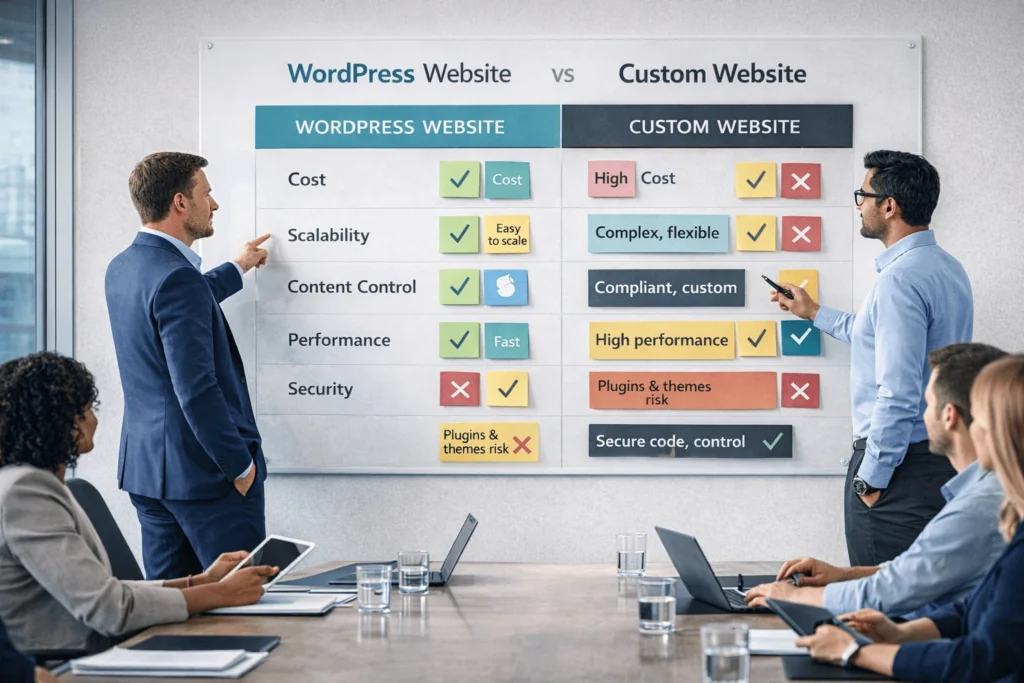
Decision Matrix: WordPress Website vs Custom Website
“Real projects need answers, not theory. Map your roadmap, risk tolerance, and internal capabilities, then choose the simplest architecture that can actually survive your next growth stage.” — Adapted from 2025 cost analysis reports
How To: Choose Between a WordPress Website and a Custom Website
Times Needed: 3 Days, 6 Hours, and 30 Minutes
Estimated Cost: 0 USD [FREE]
Description: A structured evaluation process to decide whether your next business site should be a WordPress website or a fully custom build, based on cost, scale, and roadmap.
Steps:
Step 01 : Clarify business and growth goals (60 minutes)
Document revenue targets, traffic expectations, and core use‑cases for the next 3–5 years. Rank features by must‑have, nice‑to‑have, and future.
Step 02 : List functional and technical requirements (90 minutes)
Capture integrations, workflows, compliance rules, content types, and performance expectations. Separate marketing pages from application features
Step 03 Estimate budget and timelines (60 minutes)
Define realistic budget brackets for v1 and yearly maintenance. Decide preferred launch window and acceptable delay tolerance
Step 04 Score WordPress vs custom against needs (90 minutes)
Use a table to rate each option on cost, time‑to‑market, scalability, security, and vendor availability from 1–5. Note key assumptions.
Step 05 Consult 1–2 external experts (90 minutes)
Share your notes with a WordPress‑focused agency and a custom dev shop. Ask for rough proposals, risks, and alternative hybrid options.
Step 06 Choose and document architecture decision (60 minutes)
Confirm chosen path with stakeholders. Record why you chose it, expected ROI horizon, and review points to revisit architecture.
Tools Name: Google Sheets, Miro, Zoom
Materials Name: Requirements document, Budget ranges, Roadmap notes
Key Takeaways
- A WordPress website is usually best for content‑driven SMBs that need speed, affordability, and non‑technical editing control.
- Custom websites shine when your product is the platform, demanding tailored UX, complex logic, and stronger control over performance and compliance.
- WordPress typically costs five to ten times less upfront than high‑end custom builds, and maintains lower yearly maintenance costs.
- Security risk on WordPress comes mainly from plugins and themes, while custom builds concentrate risk in your own engineering practices.
- The smartest path is often phased: launch fast on WordPress, validate, then selectively custom‑build pieces that limit growth.
Next Steps
- Document your 3‑year growth plan, including traffic, leads, and revenue targets.
- Map critical features and integrations, then score both WordPress and custom approaches using the decision matrix above.
- Talk to at least two implementation partners—one WordPress‑first, one custom‑dev‑first—to compare strategies and total cost of ownership.
- For marketing‑led or early‑stage businesses, prioritize a well‑architected WordPress website to go live quickly and iterate.
- Revisit your architecture annually; if performance, complexity, or compliance requirements outgrow WordPress, plan a gradual move to custom modules.
Conclusion
Choosing between a WordPress website and a fully custom build is fundamentally a business strategy decision, not just a technical preference. WordPress delivers unmatched ecosystem depth, rapid launch times, and predictable costs for most SMB and mid‑market brands, while custom architectures are justified when your web experience is itself a complex product with unique constraints.
For many growing companies, starting on WordPress, validating the market, and investing in custom development only when the limitations become concrete is the lowest‑risk, highest‑learning path. As you plan your next build or redesign, treat your website as a living asset: align it with your roadmap, review its fit annually, and choose the simplest platform that can reliably carry you into your next growth stage.
FAQ
A WordPress website can scale very far with quality hosting, caching, CDNs, and good engineering practices, and it already powers many high‑traffic media and e‑commerce sites.
Not always; poorly built custom apps can be slower than a tuned WordPress stack, but a lean custom architecture can outperform generic CMS setups at very high scale.
WordPress core is robust, but plugins and themes introduce most vulnerabilities, whereas custom sites centralize risk in your own code, making security depend on your team’s practices.
Most WordPress business sites fall between $500 and $10,000, depending on design, plugins, and e‑commerce requirements
Avoid WordPress if your primary product is a complex web application with real‑time collaboration, highly custom dashboards, or strict compliance underpinnings that CMS plugins cannot satisfy
Yes. Many teams validate markets on WordPress, then rebuild the core application while retaining WordPress as a headless CMS or marketing front
Non‑technical users can manage content, but security hardening, performance optimization, and complex integrations still benefit from professional oversight