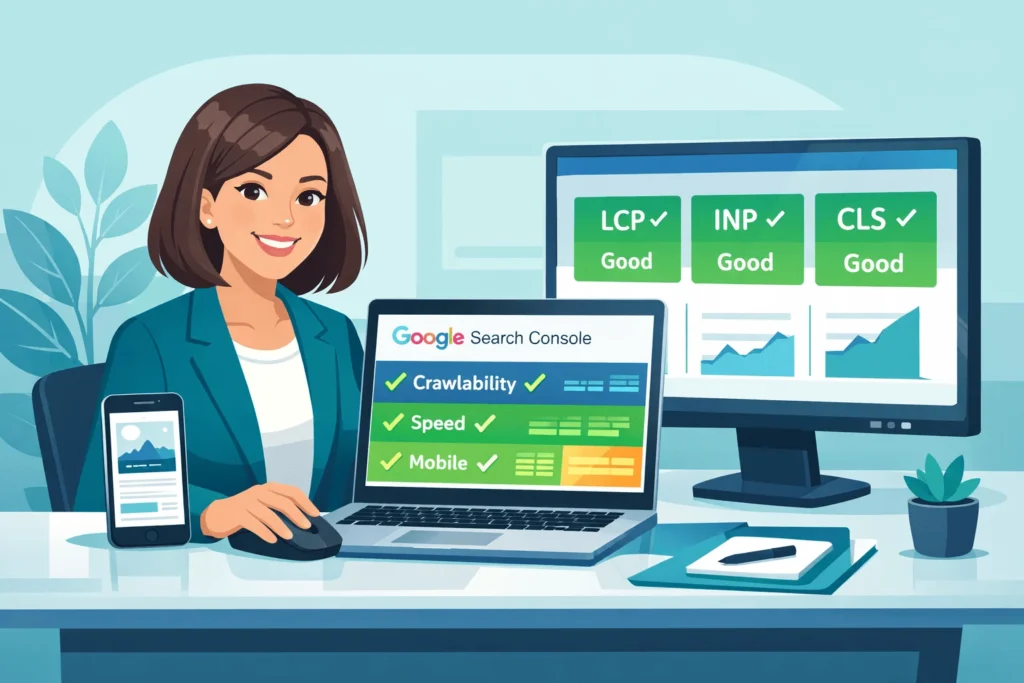
Technical SEO sounds like developer territory, but 80% of impactful fixes require zero coding. Think settings, plugins, and tools—not programming. Sites with strong technical foundations rank 20-40% higher than identical content with poor technical health.
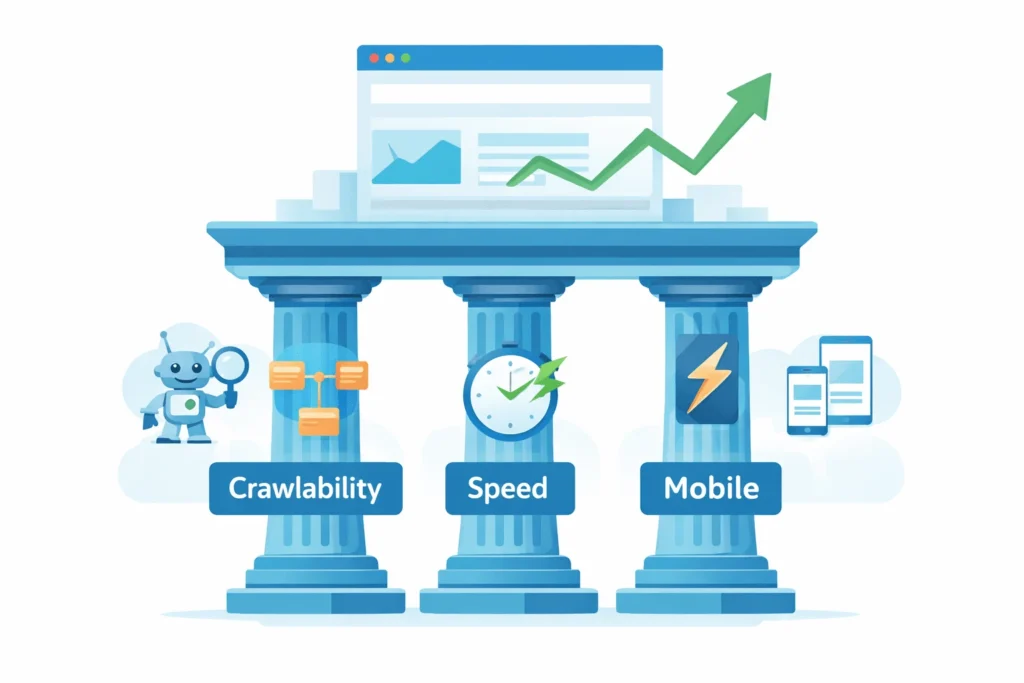
In 2026, technical SEO focuses on making your site easy for Google to crawl, fast to load, and smooth on mobile. Master these fundamentals and Google rewards you with better visibility. For broader SEO context, see StartupMandi’s complete SEO guide.
What Is Technical SEO in Plain English?
Technical SEO = making your website’s structure and performance work well for search engines and users.
Three simple questions technical SEO answers:
- Can Google find your pages? (crawlability)
- Can Google understand and store them? (indexability)
- Do they load fast and work smoothly? (performance)
- Technical SEO = building doors, shelves, catalog system
- On-page SEO = book titles, summaries, content quality
- Off-page SEO = reputation, citations, recommendations
Without technical SEO, even brilliant content struggles to rank because Google can’t access, process, or trust your pages.
Why Does Technical SEO Matter for Rankings?
Google confirmed technical health impacts rankings directly:
- Page speed = ranking factor (especially mobile)
- Core Web Vitals = user experience signals
- Mobile-friendliness = mobile-first indexing priority
- HTTPS security = trust signal
Real impact:
✅ Faster sites = 20-40% better rankings
✅ Fixed crawl errors = 15-30% more indexed pages
✅ Good Core Web Vitals = 10-20% traffic lift
2026 priority: Google’s algorithm now penalizes slow, broken sites harder than ever.
How Do I Check If Google Can Crawl My Site?
Crawlability = Google’s bots reaching and reading your pages.
Check using Google Search Console (free):
- Go to Coverage Report
- Look for “Excluded” or “Error” pages
- Fix blocked/broken pages
Common crawl blockers:
- Robots.txt mistakes (accidentally blocking important pages)
- Broken internal links (404 errors)
- Slow server response (timeouts)
- JavaScript-heavy sites (Google struggles with complex JS)
No-code fixes:
- WordPress: Use Yoast SEO to check robots.txt
- Shopify: Check Preferences → “Block search engines” is OFF
- Webflow: Settings → SEO → verify indexing enabled
What Are Core Web Vitals and Why Do They Matter?
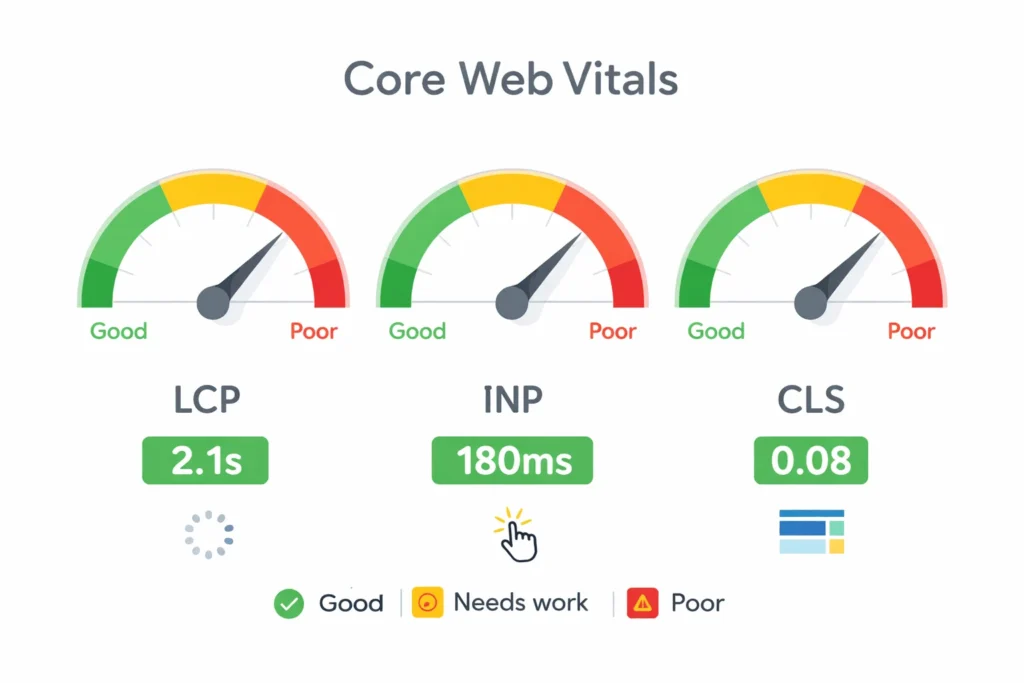
Core Web Vitals = Google’s three user experience metrics:
| Metric | What It Measures | Good Score | Impact |
|---|---|---|---|
| LCP (Largest Contentful Paint) | Loading speed of main content | Under 2.5 seconds | 25% weight |
| INP (Interaction to Next Paint) | Responsiveness to clicks/taps | Under 200 milliseconds | 25% weight |
| CLS (Cumulative Layout Shift) | Visual stability (no jumping) | Below 0.1 | 25% weight |
Check your scores:
- PageSpeed Insights (free Google tool)
- Enter your URL
- Get mobile + desktop scores
Simple improvements (no coding):
- Compress images (TinyPNG, Squoosh)
- Use fast hosting (upgrade if under 3-second load)
- Enable caching (WP Rocket, W3 Total Cache)
- Defer JavaScript (plugin settings)
- Set image dimensions (prevents layout shift)
Reality: Meeting all three vitals = 10-20% ranking boost.
How Do I Make Sure My Pages Get Indexed?
Indexing = Google storing your pages in search results.
Check indexing status:
1. Google Search Console → Pages report
2. See "Indexed" vs "Not indexed" counts
3. Fix "Discovered - not indexed" issues
Common indexing problems:
- Noindex tags (accidentally telling Google “don’t index”)
- Duplicate content (confusing Google which version to show)
- Thin content (pages too short/low value)
- Orphaned pages (no internal links pointing to them)
Non-developer solutions:
- Check meta tags: Look for
<meta name="robots" content="noindex">—remove if wrong - Add canonical tags: Tell Google preferred version of duplicate pages
- Create XML sitemap: Use Yoast (WordPress) or built-in (Shopify)
- Internal linking: Link important pages from homepage/navigation
Pro tip: Submit XML sitemap to Google Search Console for faster indexing.
What Makes a Site “Fast Enough” for SEO?
Target speed (2026 standards):
- Under 2.5 seconds = good
- 2.5-4 seconds = needs improvement
- Over 4 seconds = poor (ranking penalty)
Test your speed:
- PageSpeed Insights (Google’s official tool)
- GTmetrix (detailed breakdown)
- WebPageTest (technical analysis)
Non-technical speed fixes:
| Fix | Tool/Method | Impact |
|---|---|---|
| Compress images | TinyPNG, ImageOptim | 30-50% faster |
| Enable caching | WP Rocket, Cloudflare | 40-60% faster |
| Use CDN | Cloudflare (free plan) | 20-30% faster |
| Lazy load images | Native browser (add loading=”lazy”) | 15-25% faster |
| Minimize plugins | Deactivate unused | 10-20% faster |
WordPress-specific: Limit to 10-15 active plugins maximum.
How Do I Fix Broken Links and Redirects?
Broken links (404 errors) hurt crawlability and user trust.
Find broken links:
- Screaming Frog (free up to 500 URLs)
- Broken Link Checker (WordPress plugin)
- Ahrefs Webmaster Tools (free, limited)
Fix strategies:
- Update link if destination moved
- 301 redirect if page permanently moved
- Remove link if target deleted permanently
- Create content if valuable page missing
Redirect chains = page redirects multiple times (slow):
❌ Bad: Page A → Page B → Page C
✅ Good: Page A → Page C (direct)
No-code redirect tools:
- WordPress: Redirection plugin
- Shopify: Built-in URL redirects
- Wix/Squarespace: SEO settings panel
How To Execute Technical SEO Audit (No Developer Needed)
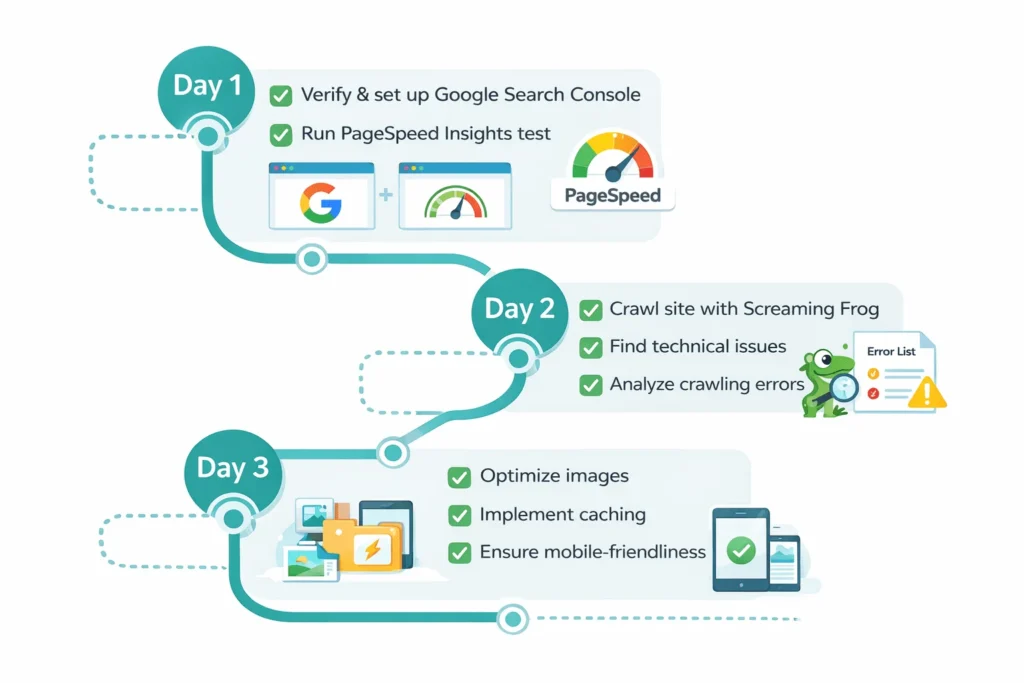
Times Needed: 3 Days
Estimated Cost:0-50 USD
Description: Complete technical SEO audit identifying and fixing critical issues using free/low-cost tools. No coding required—settings, plugins, and guided fixes get 80% of wins.
Steps
Step 1: Use Google Search Console + PageSpeed
Open Search Console Coverage report. Note indexing errors. Run PageSpeed Insights on 5 key pages. Screenshot scores (LCP, INP, CLS benchmarks).
Step 2: Screaming Frog Crawl + Error Report
Download Screaming Frog (free 500 URLs). Crawl site. Export 404 errors, missing titles, duplicate content. Prioritize fixing 404s and duplicates first.
Step 3: Image Compression + Caching Setup
Compress all images with TinyPNG. Install WP Rocket or W3 Total Cache (WordPress) or enable Cloudflare. Retest PageSpeed—target 20%+ improvement.
Step 4: Generate Sitemap + Verify Robots
Use Yoast/RankMath to generate XML sitemap. Submit to Search Console. Check robots.txt blocks nothing important. Add sitemap URL to robots.txt.
Mobile-Friendliness Check
Step 5: Mobile Usability Test + Fixes
Run Google Mobile-Friendly Test. Fix text-too-small, buttons-too-close errors by adjusting theme settings. Verify responsive design on real phone.
Security + HTTPS Verification
Step 6: Ensure HTTPS + SSL Certificate
Check URL starts with https:// (not http://). If not, contact hosting to install free Let’s Encrypt SSL. Force HTTPS in site settings.
Tools Name: Google Search Console, PageSpeed Insights, Screaming Frog, TinyPNG
Materials Name: Site admin access, hosting login, 5 priority page URLs
FAQs
No—80% of technical SEO uses settings, plugins, and tools. Crawl errors, speed, mobile, HTTPS all fixable without code via WordPress/Shopify/Wix settings.
Crawlability + indexing first—Google can’t rank what it can’t find. Then site speed + Core Web Vitals. Finally mobile-friendliness + HTTPS.
2-8 weeks typically. Speed fixes reflect fastest (2-3 weeks). Crawl/index corrections take 4-8 weeks as Google re-crawls. Consistent improvements compound.
Three user experience metrics: LCP (loading speed), INP (interactivity), CLS (visual stability). Good scores = under 2.5s, under 200ms, under 0.1 respectively.
80% DIY-friendly using free tools (Search Console, PageSpeed) + plugins. Complex sites (10K+ pages, custom platforms) may need developer for 20% advanced fixes.
Crawlability = Google reaching pages. Indexability = Google storing pages for search. Both required—can’t index what you can’t crawl.
Google Mobile-Friendly Test (free tool). Also check Search Console → Mobile Usability report for errors. 2026 priority: Mobile-first indexing means mobile version ranks.
XML sitemap = file listing all important URLs. Yes, always needed—helps Google discover pages faster. Auto-generate with Yoast (WordPress), built-in (Shopify/Wix).
Key Takeaways Section
- Technical SEO = 80% no-code fixes—settings, plugins, free tools handle most issues.
- Crawlability + indexing first—Google can’t rank pages it can’t find or store.
- Core Web Vitals matter—LCP <2.5s, INP <200ms, CLS <0.1 = 10-20% ranking boost.
- Site speed critical—under 2.5 seconds target; compress images, enable caching, use CDN.
- Mobile-first mandatory—2026 rankings based on mobile version; test with Google tools.
Next Steps Section
- Open Google Search Console—check Coverage + Core Web Vitals reports today
- Run PageSpeed Insights—test 5 key pages, note LCP/INP/CLS scores
- Compress all images—use TinyPNG, aim for under 200KB per image
- Install caching plugin—WP Rocket (WordPress) or enable Cloudflare
- Generate XML sitemap—submit to Search Console within 24 hours
Conclusion
Technical SEO drives 20-40% ranking improvements through better crawlability, faster speeds, and mobile optimization—no coding required. Non-developers master technical SEO using free tools (Search Console, PageSpeed), settings, and plugins.
2026 reality: Sites ignoring Core Web Vitals lose ground to faster competitors. The 80/20 rule applies—80% of gains come from 20% of fixes (speed, crawlability, mobile).
Execute the 3-day audit above, prioritize speed + indexing, and watch rankings climb within 60-90 days. Deepen knowledge with StartupMandi’s SEO fundamentals guide.