



Introduction
This startup website deployment guide explains how beginners can publish a live website smoothly without technical confusion. If you’re building your first startup site, these steps will help you deploy faster and smarter.
Today, AI coding tools are changing how startups build online presence. According to research published by GitHub, developers using AI assistance complete tasks significantly faster while maintaining code quality. That means even beginners can create functional websites if they follow a structured workflow.
Quick Summary
- Decide your website goal before prompting Claude.
- Generate clean HTML + CSS using clear instructions.
- Improve design section by section with targeted prompts.
- Test responsiveness and performance early.
- Publish using GitHub Pages or Netlify for fast deployment.
What Does It Mean to Build a Website Using Claude?
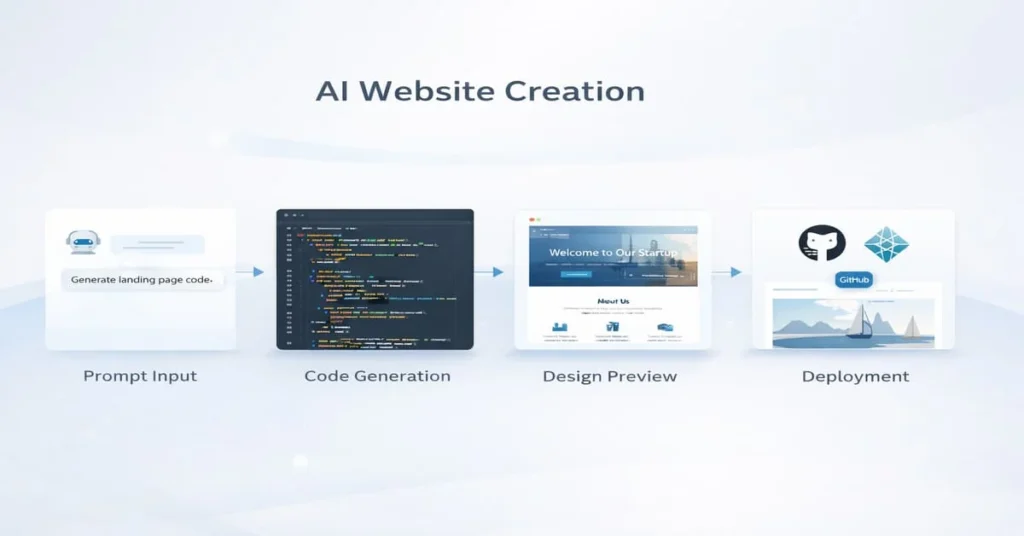
Building a website using Claude means using an AI assistant to generate, refine, and troubleshoot website code through natural language prompts. Instead of manually coding everything, you guide the AI with clear instructions.
Claude can help you create:
- Landing pages
- Personal portfolios
- Startup MVP websites
- Blog layouts
Platforms like Anthropic’s Claude focus heavily on structured reasoning, making them useful for step-by-step coding tasks. According to insights from developers shared on Towards Data Science, AI coding tools reduce repetitive coding time significantly when prompts are clear and specific.
“AI doesn’t replace developers; it removes friction from the creation process.” — Towards Data Science contributor
Why Are Startups Using Claude for Website Creation?
Startups prefer AI-assisted coding because it reduces early development costs and speeds up launch timelines. Many founders now prototype their sites before hiring designers or developers.
Here’s a quick comparison:
| Method | Time Required | Cost Range | Skill Needed |
|---|---|---|---|
| Traditional Coding | High | $$$ | Advanced |
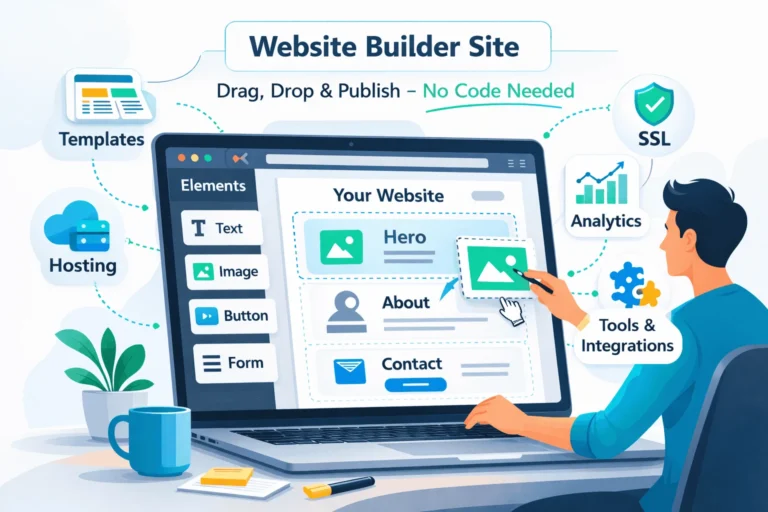
| Website Builders | Medium | $$ | Low |
| Claude-Assisted Coding | Low-Medium | $ | Beginner-Intermediate |
Research by McKinsey highlights that AI-assisted workflows can improve productivity by up to 40% in digital tasks when used effectively. This makes AI tools attractive for solo founders managing multiple roles.
If you’re exploring real beginner examples, this guide on building websites with Claude code explains early workflows used by first-time creators
How Do You Plan Your Website Before Prompting Claude?
Before writing prompts, answer these questions:
- What is your main website goal?
- Who is your target audience?
- What sections are essential?
A strong prompt example:
Create a responsive one-page startup website with hero section,
services grid, testimonials, and contact form. Use clean modern design.
Clear prompts reduce rework and improve output quality. Experts from Harvard Business Review suggest that defining outcomes before using AI tools significantly improves productivity.
How Do You Generate Website Code Using Claude?
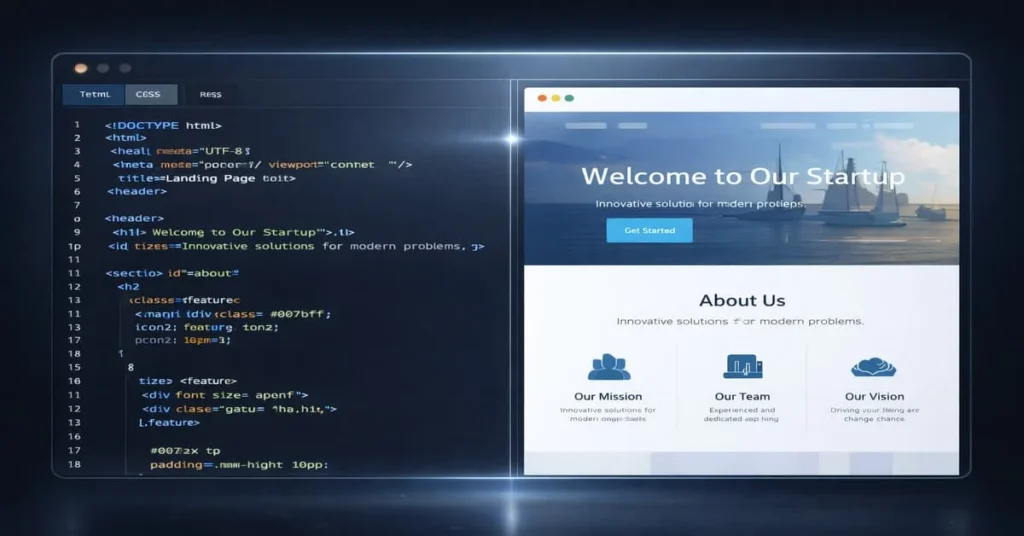
Start simple. Ask Claude for structured code rather than a complex full system.
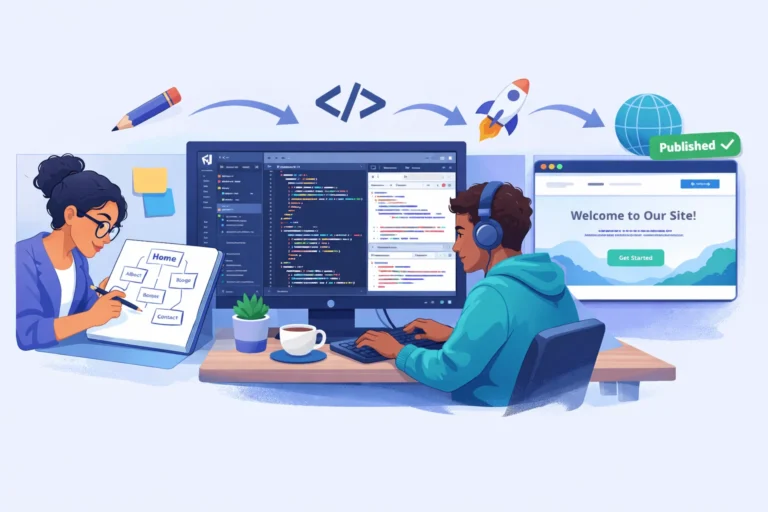
Step-by-Step Workflow
- Request base HTML structure.
- Add CSS styling or Tailwind framework.
- Ask for mobile responsiveness improvements.
- Refine typography and spacing.
Example:
Generate HTML and CSS for a modern startup landing page
with responsive design and accessible color contrast.
If you want more inspiration, this personal story about creating a website in one day using Claude shares practical insights.
What Are Common Mistakes When Using Claude Code?
Many beginners struggle because they treat AI like a magic tool instead of a collaborator.
Avoid these mistakes:
- Asking for everything in one prompt
- Skipping testing after changes
- Ignoring mobile optimization
- Copying code without understanding structure
How Do You Improve Design Using AI Feedback?
Claude becomes more powerful when you refine individual sections.
Try prompts like:
Improve spacing and typography for better readability.
Add subtle hover animations to buttons.
Small iterations help maintain control over your design. According to Nielsen Norman Group UX research, incremental design improvements lead to better usability compared to large redesigns.
How Do You Publish a Website Built with Claude?
Once your design works locally, deployment is straightforward.
Recommended Publishing Flow
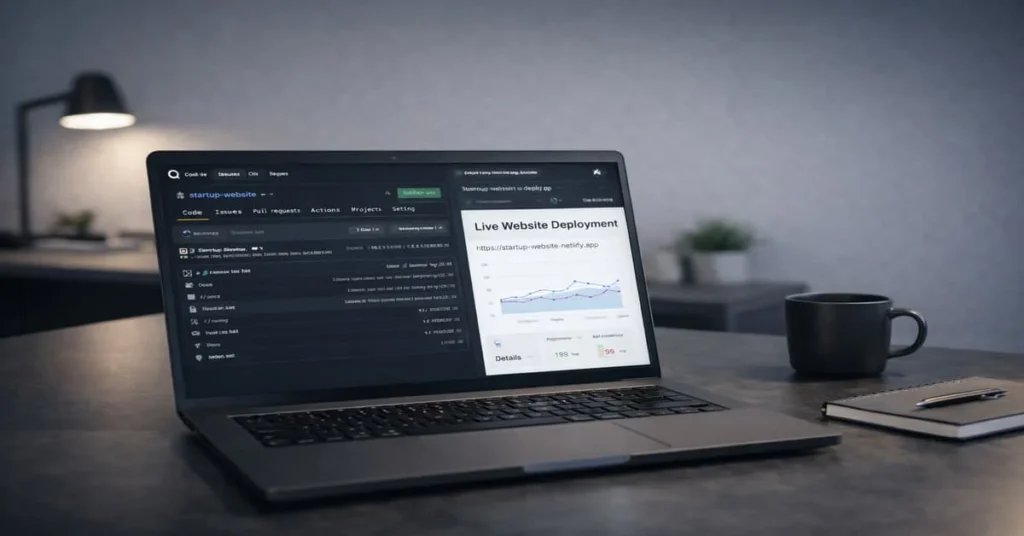
- Upload files to GitHub repository
- Enable GitHub Pages or Netlify hosting
- Connect a custom domain if needed
Developers often combine AI coding with manual review to ensure performance. A practical overview of AI-assisted web development workflows is explained here
HowTo Section
Times Needed: Days: 01, Hours: 03, Minutes: 30
Estimated Cost: Currency: USD, Price: 10
Description:
Learn how to build a basic responsive website using Claude by generating structured code, refining prompts, and deploying online with modern hosting tools.
Steps:
Title: Define Website Goal Clearly
Description: Decide whether you want a landing page, portfolio, or startup website before writing prompts.
Title: Generate Base HTML Structure
Description: Ask Claude to create clean HTML sections like hero, services, and contact form.
Title: Add Styling and Responsiveness
Description: Request CSS or Tailwind improvements to ensure the layout adapts to mobile screens.
Title: Test and Improve Sections
Description: Review the design in your browser and refine prompts for typography or spacing issues.
Title: Deploy Website Online
Description: Upload files to GitHub Pages or Netlify and test live performance.
Tools Name: Claude AI, GitHub, Netlify
Materials Name: Domain Name, Website Content, Images
Conclusion
Learning how to build a website using Claude gives founders a powerful advantage in today’s fast-moving digital world. Instead of waiting weeks for development, you can prototype ideas quickly, test concepts, and launch faster.
As AI tools continue evolving, combining structured prompts with smart publishing workflows will help startups create strong online presence without heavy technical barriers. Start small, experiment often, and treat Claude like a creative coding partner.
FAQ Section
Q1: Is Claude better than traditional website builders?
Claude offers more flexibility but requires basic understanding of code.
Q2: Can beginners build a website using Claude?
Yes, with structured prompts and simple goals, beginners can create functional websites.
Q3: Do I need coding knowledge to start?
Basic HTML understanding helps but isn’t mandatory initially.
Q4: How long does it take to create a simple site?
Many creators finish a first version within a day.
Q5: Is Claude free for website development?
Pricing depends on usage limits and plan features.
Q6: Can Claude design mobile-friendly websites?
Yes, if you request responsive layouts in your prompts.
Q7: Should startups rely only on AI for development?
AI helps with speed, but human review ensures better quality.
Q8: What is the biggest advantage of AI coding tools?
They reduce repetitive tasks and accelerate idea validation.
Extrenal and Internal Link
How to Code Your Own Website with AI (Beginner Workflow Guide)
Claude Code Tutorial for Beginners — Complete AI Coding Guide
Building Websites with Claude Code: Beginner’s Guide for Developers
How to Get a Government Job in India: Step-by-Step Roadmap 2026
AI YouTube Automation: How to Build a Profitable Faceless Channel in 2026
Airtel Adobe Express Premium Free Offer: How to Get 1-Year Access



Thanks for breaking down the AI-assisted website deployment process in such a clear way. I especially appreciated the emphasis on starting with clean HTML and CSS — it’s a practical tip that can save a lot of backtracking later. As someone building their first startup site, this kind of structured approach makes the whole process feel much more manageable.
Thank you for your comment. To use your site link & generate backlink on our platform, 1st go through a paid plan on this page: https://startupmandi.in/services/digital-services/premium-brand-promotion-on-startupmandi/
Thanks for breaking down the AI-assisted website deployment process in such a clear way. It’s reassuring to see how tools like Claude can help founders skip the technical hurdles and focus on what really matters—building a great product. The tip about testing responsiveness early is especially helpful for avoiding last-minute surprises.
Thank you for your comment. To use your site link & generate backlink on our platform, 1st go through a paid plan on this page: https://startupmandi.in/services/digital-services/premium-brand-promotion-on-startupmandi/
Thanks for breaking down the AI-assisted website deployment process in such a clear way. I especially appreciated the emphasis on starting with clean HTML and CSS — it’s a practical tip that can save a lot of back-and-forth during development. As someone building their first startup site, this kind of structured approach makes the whole process feel much more manageable.
Thank you for your comment. To use your site link & generate backlink on our platform, 1st go through a paid plan on this page: https://startupmandi.in/services/digital-services/premium-brand-promotion-on-startupmandi/
Thanks for breaking down the website deployment process in such a clear way—especially the part about using AI tools like Claude to build clean HTML/CSS without getting stuck on technical details. It’s reassuring to see that even beginners can now launch functional sites faster, which is exactly what startups need these days. This kind of structured approach really helps avoid the common pitfalls of overcomplicating things early on.
Thank you for your comment. To use your site link & generate backlink on our platform, 1st go through a paid plan: https://startupmandi.in/services/digital-services/premium-brand-promotion-on-startupmandi/