


How Do You Pick the Right Website Builder Site?
The best website builder site for you depends on four things: your goal, budget, skills, and how much you expect to grow in the next 2–3 years. Instead of asking “Which builder is best overall?”, ask “Which builder fits my specific use case with the least compromise?”
Website builder platforms are growing fast—global no-code website builder tools are projected to reach USD 3.58 billion by 2031 at 7.73% CAGR, and broader no-code builder tools could reach USD 14 billion by 2030 at ~18.5% CAGR. That means more choice, but also more confusion—this guide gives you a decision framework, not just another top‑10 list.
What Is a Website Builder Site (and What Is It Not)?
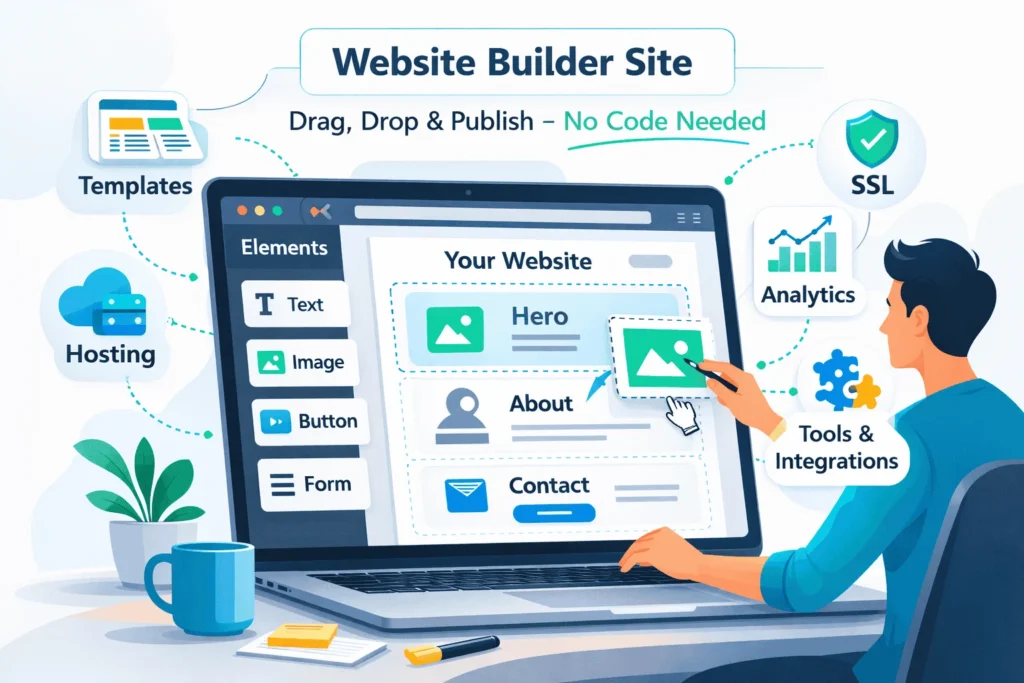
A website builder is a hosted tool that lets you create and manage a website via a visual interface, usually drag‑and‑drop, without writing code. It bundles templates, hosting, and basic SEO/tools into one subscription.
Typical features include:
- Pre‑designed templates for blogs, portfolios, stores, and business sites.
- Drag‑and‑drop section and page editors, often with AI‑assisted setup.
- Built‑in hosting, SSL, backups, and basic analytics.
- App or plugin marketplaces for forms, email, bookings, and more.
A website builder is not a full custom stack. You trade some low‑level control and portability for speed, simplicity, and lower upfront cost. For some projects, that’s a smart trade; for others, a custom WordPress or headless build is a better long‑term fit.
For absolute beginners, StartupMandi’s guide to website builders is a great pre‑read to understand the basics before applying this framework.
What Factors Should You Use to Compare Website Builder Sites?
Most comparison articles focus on features, but decision‑makers need a simpler lens. Four primary factors usually determine the right choice.
- Goal and website type
Are you building a blog, portfolio, local business site, ecommerce store, or something more advanced like a learning platform? - Budget and pricing model
Entry‑level builders can start under USD 5/month, while advanced ecommerce and multi‑site plans can run into hundreds per month. - Technical skills and learning curve
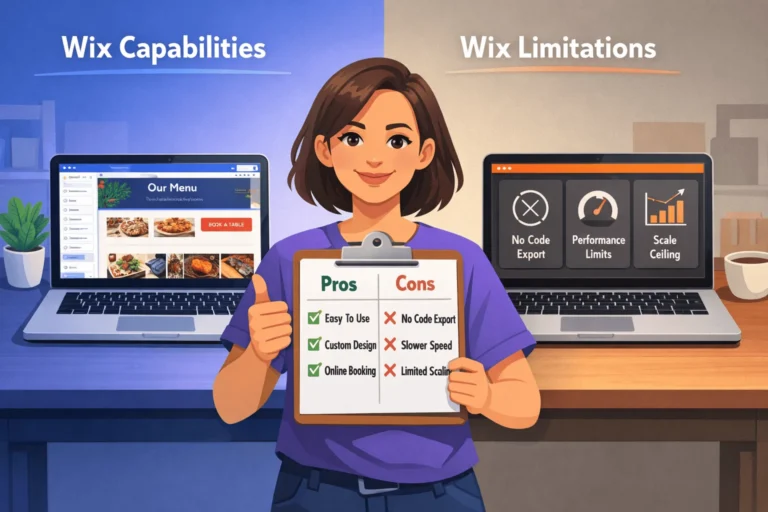
Some builders (like Wix and Squarespace) prioritise ease of use; others (like Webflow or self‑hosted WordPress with a page builder) offer more freedom but require more learning. - Scalability and export/lock-in risk
Consider whether you might outgrow the platform in 1–3 years and how hard migration will be.
“The best website builder for a beginner is one that solves the immediate problem of complexity without creating a future problem of limitation.” — Elementor 2026 guide
How Do the Major Website Builder Sites Compare at a Glance?
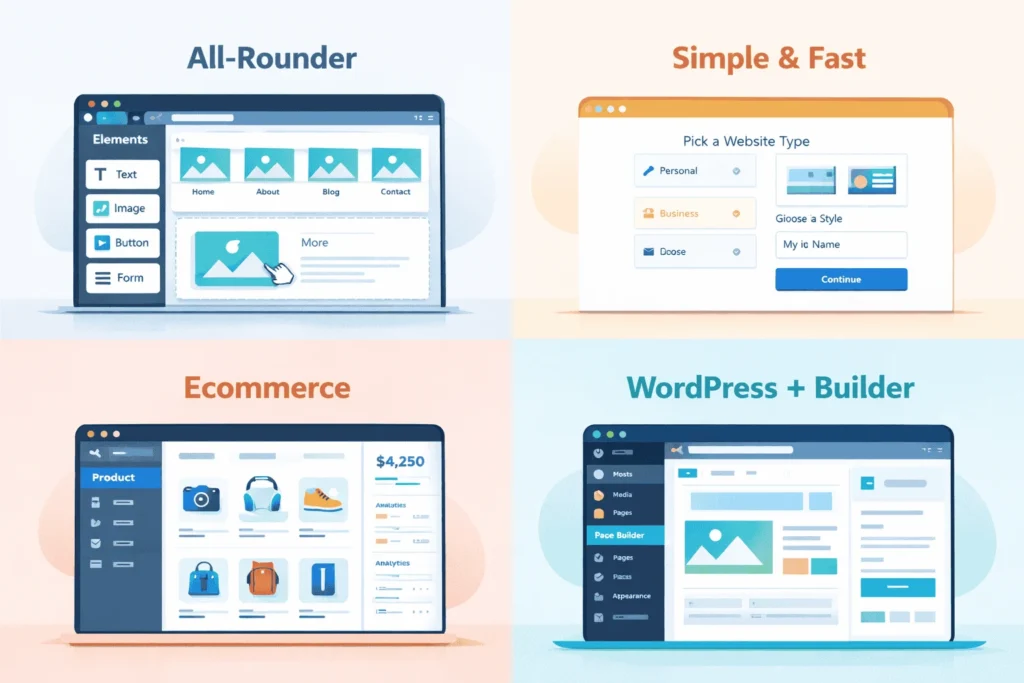
Instead of comparing every feature, it helps to group the big players by best‑fit scenario.
This table is your starting map. The rest of the guide helps you place yourself on it.
How Big Is the Website Builder Market (and Why Does It Matter)?
Understanding market size and share helps you avoid choosing a dying tool.
Key stats:
- The global website builder market is valued at around USD 3.95 billion in 2024, projected to reach USD 22.98 billion by 2031 at 28.6% CAGR.
- Narrow no-code website builder tools are expected to grow from USD 1.97B in 2023 to USD 3.58B by 2031 (7.73% CAGR).
- Broader no-code builder tools are projected to grow from USD 4B to USD 14B by 2030 at ~18.5% CAGR.
- Simple website builders collectively power over 21.3 million websites worldwide, with Wix holding around 40–45% share among pure builders and Squarespace 16–25%.
- Website builder adoption is especially strong among SMEs and solo businesses that want DIY web creation without developers.
Healthy growth and strong market leaders are good signs. It means your builder of choice is more likely to keep improving, integrate AI features, and stay compatible with modern SEO and analytics.
How Do You Build a Decision Framework Instead of Following “Top 10” Lists?
To move from “best overall” to “best for me,” build a simple decision framework.
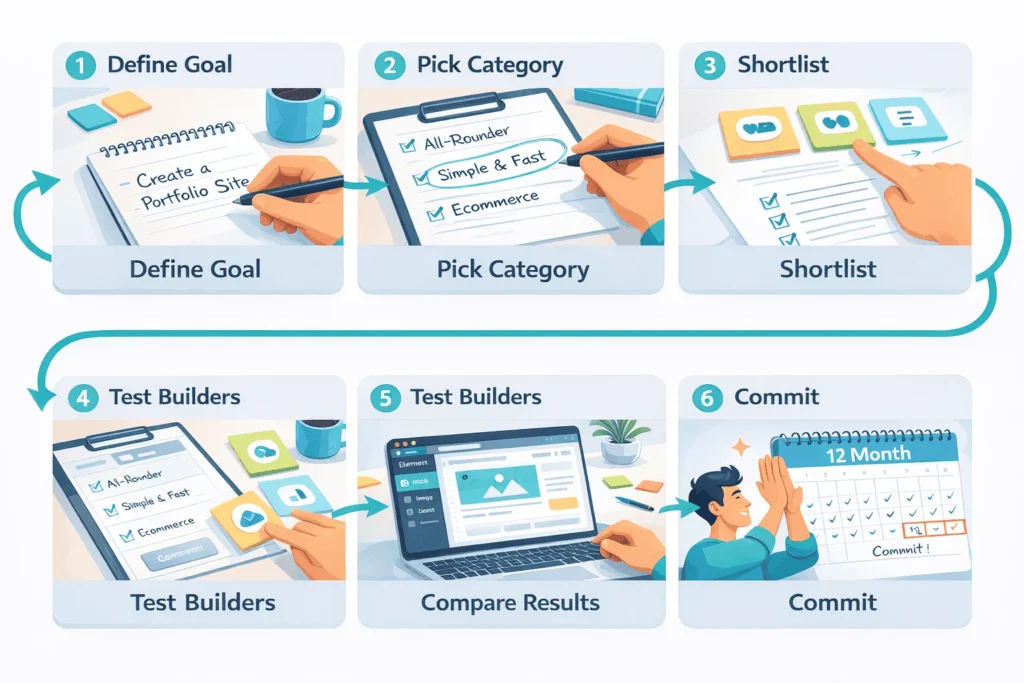
- Define your primary goal (one sentence).
Example: “I want a simple website builder site for my local business,” or “I want to launch a serious ecommerce brand.” - Choose your platform category.
Use the earlier table to pick 1–2 categories (all‑rounder, ecommerce‑focused, WordPress, advanced no‑code). - Set budget and time constraints.
Decide how much you can spend per month and how many weeks you can invest in learning the tool. - Score 3–4 candidate builders.
Evaluate ease of use, design quality, e-commerce depth, SEO features, and lock‑in risk on a 1–5 scale. - Run a 1–2 day prototype test.
Build a single landing page or basic site in your top two choices; choose the one that feels more natural and sustainable.
By the end of this process, you will feel the difference instead of just reading ratings.
How To Choose the Best Website Builder Site (Practical Walkthrough)
Times Needed: 2 Days
Estimated Cost: 0–30 USD (free trials + first month on one platform)
Description: A structured 2‑day process to shortlist, test, and select the best website builder site for your needs, using real‑world criteria instead of generic rankings.
Steps That You Can Follow
- Clarify Your Site’s Job and Time Horizon
Step Title: Define Goal and How Long It Must Last
Step Description: Write one sentence describing your site’s main job (leads, sales, portfolio, content) and how long you expect this site to serve you (1, 3, or 5+ years). This will influence whether you prioritise speed or long‑term flexibility. - Pick the Right Platform Category
Step Title: Match Use Case to Builder Type
Step Description: Based on your goal, select 1–2 categories: all‑rounder, ecommerce, WordPress + builder, or advanced no‑code. For example, pure blogs and content hubs often fit WordPress; fast one‑page sites fit simple builders. - Shortlist 3–4 Candidate Builders
Step Title: Choose Platforms With Strong Market Signals
Step Description: Use up‑to‑date guides and stats to pick 3–4 platforms with strong adoption and active development (e.g., Wix, Squarespace, Shopify, WordPress + Elementor). Avoid obscure tools with tiny market share unless they solve a very specific problem. - Prototype One Page in Each Builder
Step Title: Build a Realistic Landing Page in Each
Step Description: In each shortlisted builder, create a simple homepage or landing page using a template. Time yourself. Note how intuitive the editor feels, how good the design looks, and how quickly you can add key elements like forms, galleries, or price tables. - Evaluate Design, SEO, and Lock‑In
Step Title: Score Experience, Performance, and Exit Options
Step Description: Check how each platform handles mobile design, basic SEO (titles, meta, alt text), speed, and export/migration paths. Give each a 1–5 score for ease of use, flexibility, ecommerce support (if relevant), and portability. - Make a Choice and Commit for 12 Months
Step Title: Pick the Best‑Fit Builder and Go Deep
Step Description: Choose the platform that scored highest and felt best in real use. Commit to at least 6–12 months so you can learn it properly and avoid constantly switching tools. Re‑evaluate only if you clearly outgrow it.
Tools Name: Your shortlisted website builders (e.g., Wix, Squarespace, Shopify, WordPress + Elementor), a simple spreadsheet or note tool for scoring
Materials Name: Site goal statement, rough page outline, basic brand assets (logo, colors), example copy and images
What Website Builder Site Fits Which Type of User?
Here is a user‑centric view based on multiple independent reviews and market stats.
| User Type | Best‑Fit Category | Typical Choices | Why It Fits |
|---|---|---|---|
| First‑time user, no tech background | Simple all‑in‑one or “easy first” | Squarespace, SITE123, GoDaddy, Wix | Guided setup, polished templates, minimal decisions |
| Blogger / content creator | WordPress + builder, or all‑rounder | WordPress + Elementor, Wix, Squarespace | Strong blogging features, SEO control, and content structure |
| Portfolio / creative | Design‑focused builders | Squarespace, Webflow (if willing to learn), Wix | Visual templates, typography, galleries |
| Local business/services | All‑rounders with business tools | Wix, Squarespace, GoDaddy | Maps, bookings, forms, local SEO basics |
| E-commerce brand | Ecommerce‑focused builders | Shopify, Wix Stores, Squarespace Commerce | Inventory, payments, shipping, sales analytics |
| Startup/product team | Advanced no‑code or hybrid | Webflow, Framer, Bubble + back end | App‑like UIs, interactions, and integration with APIs |
Use this as a starting suggestion, then validate via your prototype tests.
How Do Website Builder Sites Compare to WordPress and Custom Development?
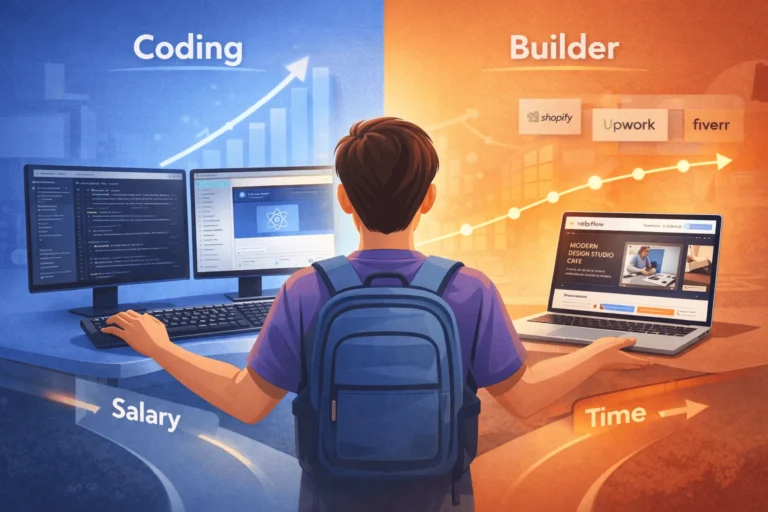
Website builders are powerful, but they’re not always the final destination.
- Website builder site vs WordPress
- Website builder site vs custom development
- Builders are best for common patterns: marketing sites, basic blogs, and simple ecommerce.
- Custom development (e.g., WordPress custom theme, Next.js, headless CMS) wins when you need complex logic, APIs, unusual UX, or enterprise‑grade performance.
For readers serious about WordPress, StartupMandi guide to building a high‑performance WordPress website is the natural next step.
“No-code website builders democratize web creation, but they don’t eliminate the need for custom engineering—they change when you need it.” — DataInsights no-code report
FAQ Section
What is the best website builder overall?
There is no single winner, but many independent tests still rank Wix as a top all‑rounder, Squarespace as the easiest for beginners and creatives, and Shopify as the best for serious ecommerce. The best choice depends on your goal and skills.
Which website builder is easiest for beginners?
Guides for beginners often name Squarespace as the easiest overall, with smooth UX and polished templates, while SITE123 and GoDaddy offer ultra‑fast setup. Wix is powerful but can feel overwhelming at first.
Is WordPress a website builder site?
WordPress is a content management system (CMS), not a builder by default, but when combined with page builders like Elementor, it behaves like a powerful, semi‑no‑code builder. It has a steeper learning curve but more long‑term flexibility than most pure builders.
Are free website builder plans good enough?
Free plans are useful for testing, but they usually include platform branding, limited storage, and no custom domain. For any serious project, expect to invest in at least an entry‑level paid plan.
How much does a typical website builder site cost per year?
Most mainstream builders cost between USD 8–25/month for standard sites and USD 25–80/month for ecommerce, translating to roughly USD 100–960 per year depending on features and discounts. This usually includes hosting and core tools.
Can I switch from one builder to another later?
You can migrate content (copy, images), but layouts and components rarely transfer 1:1. In practice, switching builders usually means rebuilding the design using your existing assets. This is why it’s important to think about future needs now.
Are website builder sites good for SEO?
Most leading builders now offer solid basic SEO features: editable titles, meta descriptions, clean URLs, and mobile‑friendly templates. For competitive niches or advanced technical SEO, WordPress or custom stacks provide more fine‑grained control.
Should I worry about the website builder market changing fast?
The market is growing quickly—some reports project CAGRs between 7–28% through 2030–2033—but leaders like Wix, Squarespace, Shopify, and WordPress have strong revenue and user bases. This makes them safer long‑term bets than small, niche tools.
Key Takeaways Section
- The best website builder is the one that fits your goal, budget, skills, and growth horizon, not the one topping generic rankings.
- Market data shows website builders and no-code tools are growing fast, with leaders like Wix, Squarespace, Shopify, and WordPress powering tens of millions of sites worldwide.
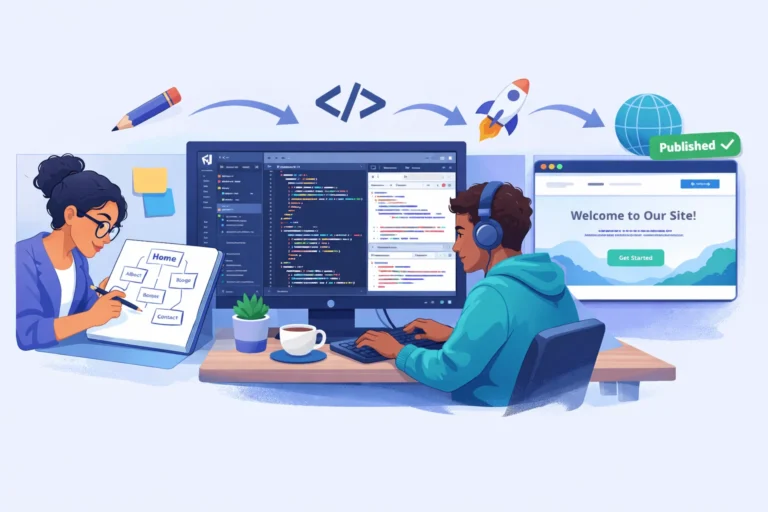
- A simple decision framework—goal → category → shortlist → prototype → score—beats guessing and helps you feel the trade‑offs in real use.
- For many individuals and small businesses, an all‑rounder builder like Wix or Squarespace is enough; as needs grow, WordPress or custom development becomes more attractive.
- Thinking ahead about lock‑in, SEO, and scalability today reduces the risk of painful, expensive migrations later.
Next Steps Section
- Write a one‑sentence job description for your site and choose how long you expect it to serve you.
- Use the platform category table to pick 1–2 categories that fit your use case.
- Shortlist three or four website builder sites with strong market traction and active development.
- Spend a weekend prototyping one page in each shortlisted builder and scoring ease of use, design, SEO, and fit.
- Choose the best‑fit platform and commit for 6–12 months, then revisit your decision only if you clearly outgrow it.
- Deepen your understanding by reading StartupMandi’s beginner guide to website builders and high‑performance WordPress guide to see how builders compare with a more advanced CMS.
Conclusion
Choosing the best website builder is not about chasing the newest trend or the highest review score. It is about aligning your platform with what your website actually needs to do today—and what it might need to do in the next few years.
Healthy market growth and strong leaders mean there are few truly “bad” options among the major builders. The real risk is picking a platform that doesn’t match your goals, budget, skills, or scalability needs. A simple decision framework—paired with a weekend of hands‑on testing—can prevent years of frustration.
Use this guide as your map, then let your own prototypes be the final judge. When you choose intentionally, your website builder site becomes a launchpad, not a limitation.



Great insights on aligning website builder choices with specific goals and growth plans—I especially appreciate how the post emphasizes looking at your own use case rather than just relying on generic rankings. It’s a much smarter approach, especially with the rapid evolution of no-code tools. Thanks for breaking it down so clearly.
Thank you for your comment. To use your site link & generate backlink on our platform, 1st go through a paid plan on this page: https://startupmandi.in/services/digital-services/premium-brand-promotion-on-startupmandi/
Great insights on how to approach the choice of a website builder—especially the point about aligning the platform with your growth expectations. It’s easy to get caught up in flashy features, but really thinking through your long-term goals and skill level upfront can save a lot of headaches down the road. Thanks for the practical framework.
Thank you for your comment. To use your site link & generate backlink on our platform, 1st go through a paid plan: https://startupmandi.in/services/digital-services/premium-brand-promotion-on-startupmandi/