


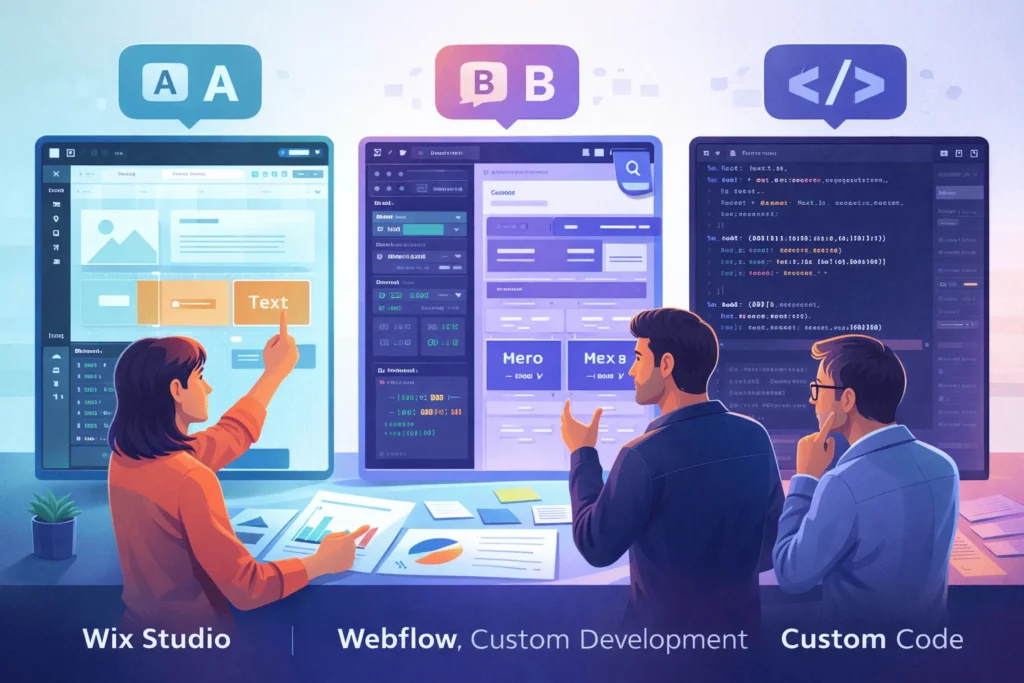
What Is Wix Studio and Why Does It Matter?
Wix Studio is Wix’s new professional-grade platform built specifically for designers, freelancers, and agencies who outgrew the classic Wix Editor. It combines modern layout tools, responsive AI, and a full‑stack dev environment so teams can design, develop, and manage many client sites from one workspace.
Unlike traditional Wix, Wix Studio is positioned as a web platform for agencies and enterprises, not just a DIY builder. The real question for professionals is whether Wix Studio can realistically compete with Webflow and custom development—or if it’s still “Wix with lipstick.”
What Is Wix Studio Exactly?
Wix defines Wix Studio as a smart, flexible toolset for agencies and enterprises, built on top of its existing infrastructure. It adds features classic Wix never had:
- Advanced responsive design with custom breakpoints, section grids, and pixel-based design that auto‑converts to responsive units.
- Responsive AI that makes pages responsive in one click, plus an AI image creator, editor, and AI code assistant.
- Full‑stack dev platform with front‑ and back‑end JavaScript, a built‑in VS Code‑based IDE, and access to 100+ APIs via Velo.
- Blocks and app marketplace for packaging reusable solutions and selling them to Wix’s 258M+ user base.
- Agency‑grade management: unified workspace, on‑canvas collaboration, custom roles, and centralized client billing.
In other words, Wix Studio is Wix’s answer to “serious” tools like Webflow, WordPress + builders, and custom stacks—but designed to stay friendlier and more opinionated.
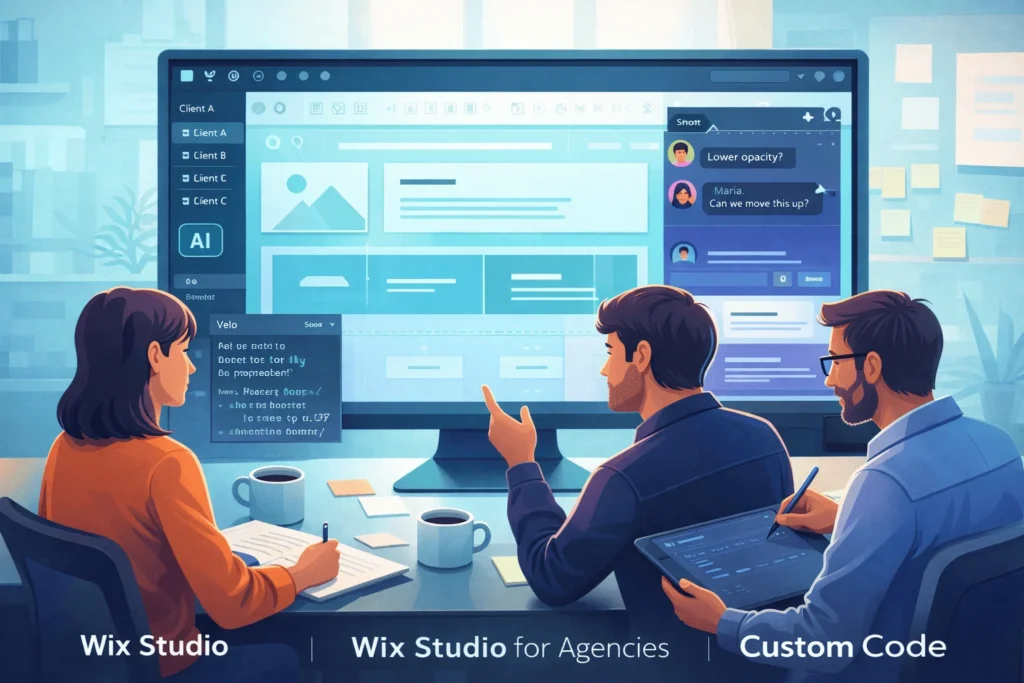
How Is Wix Studio Different From Classic Wix?
For advanced Wix users, the biggest change is that Wix Studio feels more like a design tool than a template tweaker.
Key differences:
- Design system and layout control
Wix Studio introduces grid‑based layouts, custom breakpoints, flexible flexbox controls, and pixel‑perfect design that converts to responsive units behind the scenes. Classic Wix relies more heavily on templates and fixed breakpoints. - Developer environment
Studio exposes a full‑stack dev platform via Velo, a built‑in IDE, and 100s of APIs, enabling real app‑like experiences. Classic Wix offers Velo, but Studio elevates it with better tooling and Blocks. - AI and workflow tools
Studio adds responsive AI, AI image tools, a visual sitemap, wireframe generator, and improved collaboration (on‑canvas comments, concurrent editing). - Agency management
You get a unified workspace for all client sites, client kits, shared libraries, and account‑level analytics—features designed for teams, not individuals.
“Wix Studio is built not just for building websites but for building businesses.” — Mundosites 2025 guide
How Does Wix Studio Compare to Webflow?
Independent reviews and head‑to‑head comparisons paint a nuanced picture.
- Design freedom vs speed
Webflow offers unparalleled design freedom with a class‑based, box‑model designer and a blank canvas. It remains the choice for truly pixel‑perfect front‑end control. Wix Studio narrows the gap with custom breakpoints, grid layouts, and advanced animations, but still leans on components and presets. - Code and developer tooling
- Webflow allows custom HTML, CSS, and JS, plus API access and static code export for landing pages and some sites.
- Wix Studio does not export code, but gives deeper back‑end access through Velo, letting you build app‑like experiences with serverless Node.js, APIs, and automations.
- Collaboration and client handoff
Webflow limits real‑time editing; only one user can design structure at a time. Wix Studio supports real‑time collaboration, on‑canvas comments, content‑only modes for clients, and dedicated client kits. - Learning curve
Webflow is powerful but has a steep learning curve, especially for non‑CSS‑native designers. Wix Studio is more approachable for those coming from classic Wix or other drag‑and‑drop builders.
A popular creator who tested both concluded: “Webflow has the edge in pure front‑end design and clean exportable code; Wix Studio is more well‑rounded and better for back‑end access and collaboration.”
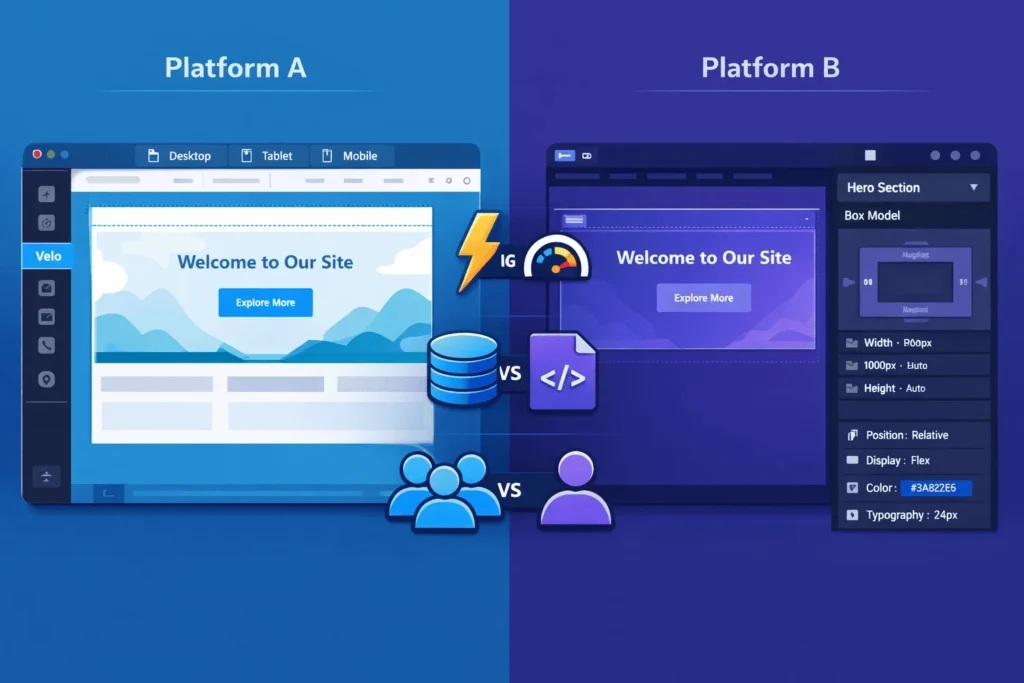
How Does Wix Studio Compare to Custom Development?
When stacked against full custom development (e.g., React/Next.js + headless CMS), Wix Studio sits in the middle layer.
For many agencies, Wix Studio can replace a large part of custom front‑end work while still leaving room for bespoke components via Velo. For extremely bespoke apps or heavy web apps, custom stacks still win.
What Are the Main Pros and Cons of Wix Studio?
Pros
Based on Wix’s own docs and independent reviews, Wix Studio’s strengths and limitations are clear.
- Agency‑ready workspace: Centralized dashboard, account‑level analytics, shared libraries, client kits, and on‑canvas collaboration.
- Advanced design without full Webflow complexity: Custom breakpoints, responsive AI, Figma to Studio plugin, and WebGL/animation tools.
- Full‑stack capabilities in a builder: Velo, built‑in IDE, 100s of APIs, and Blocks for reusable logic and marketplace sales.
- Integrated business solutions: Native eCommerce, bookings, events, blog, and marketing tools aligned with the Wix ecosystem.
- Strong client experience: Content mode, client kits, automated reporting, and mobile app for on‑the‑go management.
Cons
- No full code export: You cannot export and self‑host Studio sites, especially dynamic or eCommerce projects.
- Still opinionated: More flexible than classic Wix but less open than Webflow or fully custom stacks, especially for complex API patterns.
- Class and CSS limitations: Studio supports custom CSS but its styling system is less granular than Webflow’s class‑based designer.
- Platform lock‑in: Deep use of Wix’s APIs, Blocks, and app marketplace increases dependency on Wix’s roadmap and pricing.
How Is Wix Studio Priced for Professionals in 2026?
Pricing varies slightly by region, but 2026 guides paint a consistent picture.
Webdew and ZealousWeb break down Studio plans roughly as follows (USD approximations):
| Plan | Monthly (approx., billed annually) | Storage / Collaborators | Best For |
|---|---|---|---|
| Light / Basic | ~$17–$19 | ~10 GB, 3 collaborators, ~1,500 CMS items | Freelancers, small brochure sites |
| Core / Standard | ~$27–$29 | ~50 GB, 5 collaborators, ~4,000 CMS items | Small shops, SEO‑driven sites |
| Business / Plus | ~$34–$36 | ~100–120 GB, 10 collaborators, up to ~10,000 CMS items | Growing teams, content‑heavy projects |
| Business Elite / Elite | ~$159 | Unlimited storage, up to 100 collaborators, advanced eCommerce and dev platform | Agencies, high‑traffic or complex projects |
Key notes:
- Plans include hosting, security, and core design tools, so budgets are simpler than on custom stacks.
- A 14‑day money‑back guarantee typically applies to new premium or Studio site plans.
- A free plan exists but includes Wix branding and limits, so most agencies start at a paid tier.
Who Is Wix Studio Best Suited For?
From 2025 agency guides and platform docs, three sweet spots emerge.
- Small to mid‑size agencies
Agencies running dozens of brochure, local business, and SMB ecommerce sites can centralize operations, reuse Blocks, and standardize workflows without building heavy infrastructure. - Freelance designers leveling up
Designers graduating from classic Wix or Canva‑style builders gain access to more serious layout, responsive, and dev tools without jumping straight into Webflow or React. - Productized service studios
Teams selling packaged web design services (e.g., “launch in 10 days” offers) can use Studio’s libraries, client kits, and automation to deliver consistently while keeping margins healthy.
For enterprises with very strict compliance, performance, or data residency needs, a headless or fully custom stack may still be a better long‑term fit.
How To Decide If Wix Studio Is Right for Your Next Project
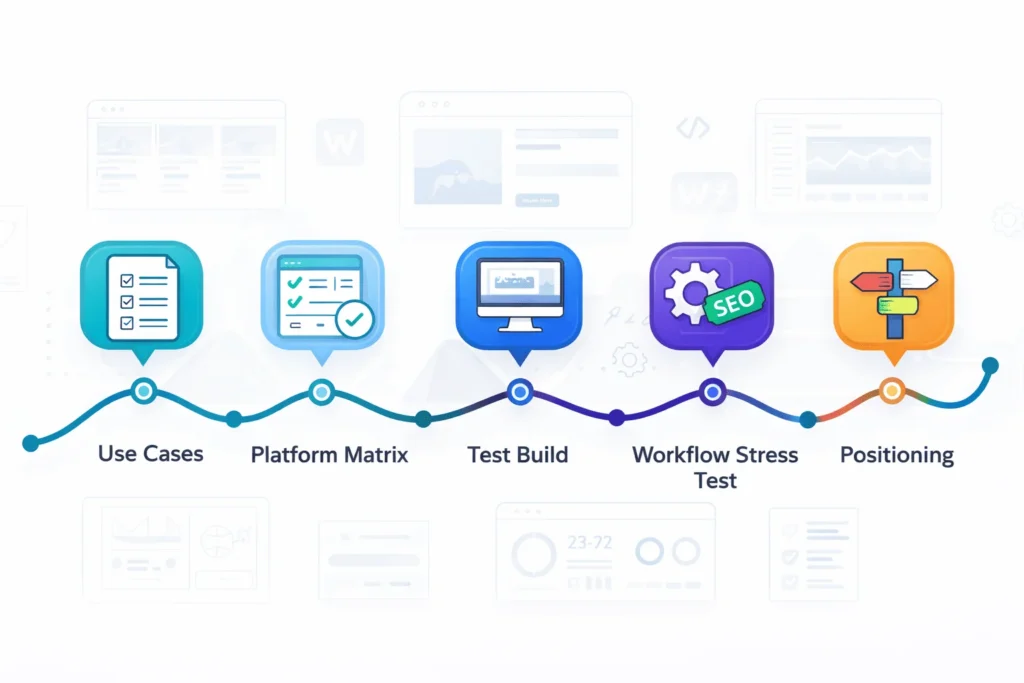
Times Needed: 5 Days
Estimated Cost: 0–200 USD (evaluation time + one test project)
Description: A five‑day evaluation process for designers and agencies to decide whether to adopt Wix Studio, stick with Webflow, or use custom development for upcoming client work.
Steps
- Clarify Your Primary Use Cases
Step Title: List Projects You Actually Build Most
Step Description: Document your top 5–10 project types (local SMB sites, content hubs, SaaS marketing pages, custom apps). Note design complexity, dynamic content needs, and typical budgets to understand where Studio might fit. - Map Requirements Against Platform Strengths
Step Title: Compare Wix Studio, Webflow, and Custom
Step Description: Create a simple matrix for each use case: needed design control, export needs, backend logic, and collaboration. Use public comparisons and your own experience to score each platform low/medium/high. - Build One Real Test Project in Wix Studio
Step Title: Prototype a Live Client‑Style Site
Step Description: Rebuild an existing client site or a realistic sample in Wix Studio. Use custom breakpoints, Figma import, and Velo where needed. Track build time, performance, and client feedback versus your usual stack. - Stress‑Test Developer and SEO Workflows
Step Title: Validate Velo, APIs, and SEO Controls
Step Description: Implement at least one API integration, a custom collection, and structured SEO setup (titles, schema, redirects). Confirm whether Studio’s limitations (no code export, CSS controls) are acceptable for your team. - Decide on Positioning in Your Service Stack
Step Title: Choose When to Use Wix Studio vs Alternatives
Step Description: Based on tests, decide where Studio is default (e.g., SMB sites), where Webflow is preferred (pixel‑perfect design, export), and where custom dev is non‑negotiable (complex apps). Document rules so your team chooses consistently.
Tools Name: Wix Studio, Webflow, your current dev stack (e.g., WordPress/React), simple spreadsheet for scoring
Materials Name: Past project list, feature requirements, performance benchmarks, client feedback notes
FAQ Section
Is Wix Studio just a rebranded Wix Editor?
No. Wix Studio is a separate, professional-focused platform with custom breakpoints, responsive AI, Velo full‑stack dev tools, and agency‑grade management features not present in the classic editor. It is built to serve freelancers, studios, and enterprises rather than solo DIY users.
Is Wix Studio better than Webflow for professionals?
It depends on priorities. Webflow still leads in pure front‑end design control and clean exportable code, making it ideal for design‑driven teams and static exports. Wix Studio is often better for all‑in‑one workflows, back‑end access via Velo, collaboration, and managing many client sites from one platform.
Can you export code from Wix Studio?
No. Wix Studio does not provide full code export for sites, especially those using CMS or ecommerce. Webflow supports static code export for certain projects, while fully custom stacks give complete code ownership.
Is Wix Studio good enough for serious client work?
Yes—for the right projects. 2025 agency guides highlight Studio’s advanced design tools, full‑stack dev platform, and strong collaboration features as a solid fit for SMBs, content sites, and many ecommerce builds. For highly specialized apps or compliance‑heavy builds, a custom stack may still be required.
How does Wix Studio handle performance and SEO?
Wix Studio runs on Wix’s managed infrastructure with global CDN, server‑side rendering, and built‑in SEO tools (titles, meta tags, structured content blocks, blogs). Performance still depends on build choices (media, apps, animations), but Studio is significantly more capable than older Wix editors for Core Web Vitals–conscious projects.
Is Wix Studio more expensive than Webflow or custom development?
Per‑site subscription costs for Studio are competitive with Webflow’s pro tiers, often cheaper when you factor in bundled apps and hosting. Custom development usually has far higher upfront costs (dev hours, hosting, maintenance), but may be cheaper long‑term for very large or specialized systems.
Should agencies migrate all existing clients to Wix Studio?
Not automatically. Agencies should segment clients by needs and risk. Simple or mid‑complexity clients may benefit from Studio’s workflows; complex or mission‑critical clients might remain on custom stacks or hybrid headless setups. A phased, use‑case‑driven migration strategy is safest.
Is Wix Studio the future of professional web design?
Wix Studio is one strong contender in a broader shift toward AI‑enhanced, no‑code platforms for professional work. It is unlikely to replace Webflow or custom stacks entirely, but it will likely claim a significant share of agency‑grade projects—especially those prioritizing speed, integrated tools, and managed infrastructure.
Key Takeaways
- Wix Studio is a genuine professional platform, not just a cosmetic update to classic Wix; it adds advanced responsive design, full‑stack Velo development, and agency‑grade management tools.
- Compared to Webflow, Studio trades a bit of raw front‑end freedom for better collaboration, back‑end access, and operational efficiency, making it compelling for agencies managing many client sites.
- Studio sits between no‑code and fully custom development, offering faster launches and less DevOps overhead while still enabling serious customization—at the cost of platform lock‑in and no code export.
- Pricing is competitive: Studio’s paid plans bundle hosting, security, and key business tools, with tiers ranging roughly from $17–$36/month for smaller projects to ~$159/month for Business Elite.
- For designers, agencies, and advanced Wix users, the smartest approach is to position Wix Studio alongside Webflow and custom stacks, using each where it fits best rather than betting everything on a single platform.
Next Steps
- Shortlist your core project types (SMB sites, content hubs, ecommerce, web apps) and map which ones might benefit from Studio’s speed and integrated tooling.
- Spin up a trial project in Wix Studio, ideally a real client or realistic internal brief, to test its layout tools, responsive AI, and Velo environment.
- Benchmark build time, performance, and client feedback against your current stack (Webflow, WordPress, or custom frameworks).
- Define positioning rules: when your team should recommend Wix Studio, when Webflow remains better, and when only custom development will do.
- Keep an eye on Wix Studio’s roadmap and competitor updates, because the professional builder landscape—especially around AI—is evolving quickly.
Conclusion
Wix Studio is Wix’s most serious play yet for the professional web design and agency market. With custom breakpoints, responsive AI, Velo full‑stack development, and robust collaboration and management features, it goes far beyond what most people associate with “Wix.”
For many designers and agencies, Wix Studio will be a pragmatic middle path: more open and powerful than legacy builders, but friendlier and more integrated than Webflow plus a patchwork of third‑party tools or fully custom stacks. It is not a universal replacement for Webflow or custom development, especially where export, extreme performance, or highly specialized logic are non‑negotiable.
Is Wix Studio the future of professional website design? It is certainly a big part of that future, particularly for teams that value speed, collaboration, and managed infrastructure. The most resilient professionals will learn Studio alongside Webflow and modern code frameworks—choosing the right tool for each project instead of forcing every project into a single platform.






It’s interesting to see how Wix Studio is shifting focus toward professional designers and agencies, especially with its AI-powered tools and full-stack development environment. The move away from a DIY builder model feels like a necessary evolution for Wix to compete with platforms like Webflow. I’m curious to hear more about how the collaboration features will work in practice, especially for larger teams managing multiple client projects.
Thank you for your comment. To use your site link & generate backlink on our platform, 1st go through a paid plan on this page: https://startupmandi.in/services/digital-services/premium-brand-promotion-on-startupmandi/
It’s interesting to see Wix positioning itself more toward professional designers and agencies with Studio—especially with the AI-powered tools and full-stack dev environment. The shift from a DIY builder to a platform for agencies could really change how smaller teams approach client projects. I’m curious how it compares in terms of flexibility versus custom development, especially for more complex designs.
Thank you for your comment. To use your site link & generate backlink on our platform, 1st go through a paid plan on this page: https://startupmandi.in/services/digital-services/premium-brand-promotion-on-startupmandi/
It’s interesting to see Wix positioning itself more toward professional designers and agencies with Studio—especially with the AI-powered tools and full-stack dev environment. The shift from a DIY builder to a platform for agencies could really change how smaller teams approach client projects. I’m curious how it compares in terms of flexibility versus custom development, especially for more complex designs.
Thank you for your comment. To use your site link & generate backlink on our platform, 1st go through a paid plan: https://startupmandi.in/services/digital-services/premium-brand-promotion-on-startupmandi/